
Library section
Explore the hardware reference library
Browse eight hardware families, from the system board to everyday peripherals. Each overview leads to focused explanations of interfaces, connections…
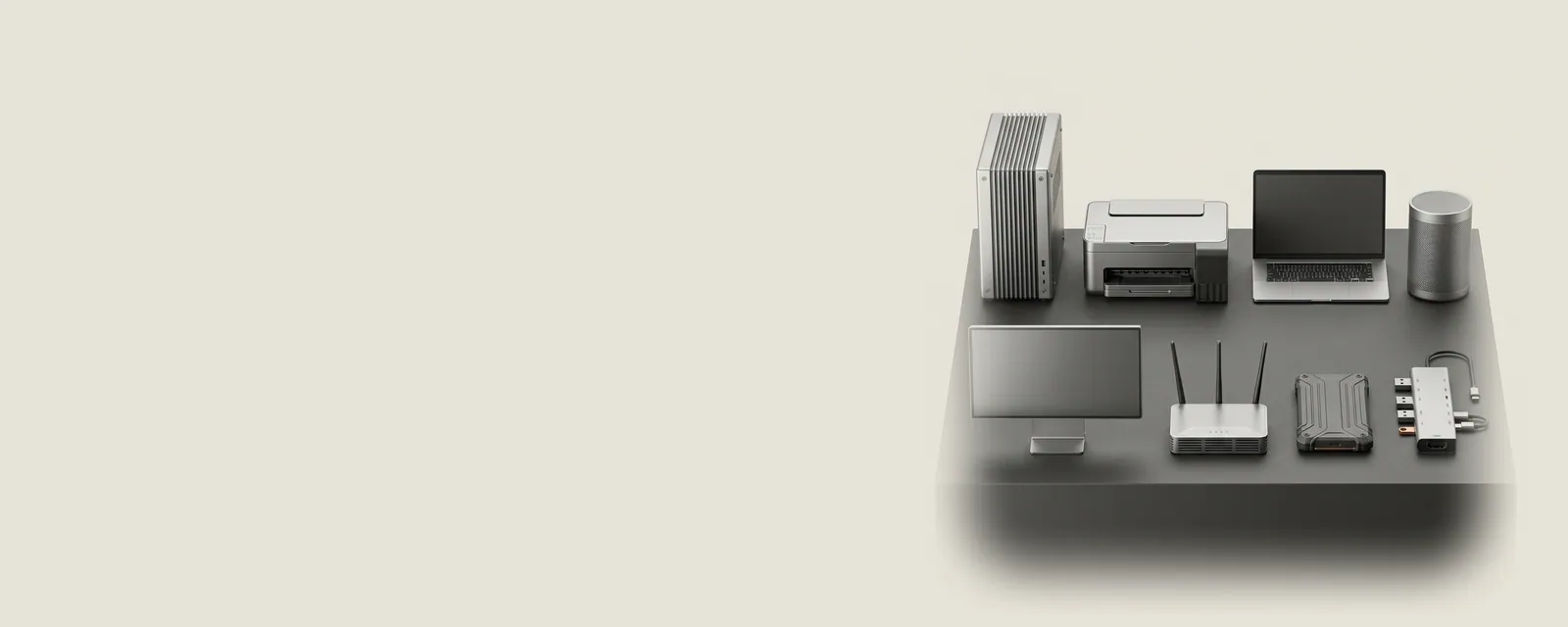
Browse eight hardware families, from the system board to everyday peripherals. Each overview leads to focused explanations of interfaces, connections, capabilities, and the software that coordinates them.
Follow a question, not a model number
These shelves are organized around how equipment works rather than around product advertising. Begin with the family closest to your question, then choose a topic and a focused reference. A printer's queue, a display's timing, and a wireless adapter's link rate are easier to interpret when their place in the wider system is clear.
Use the right kind of reference
Hardware pages explain concepts. Guides describe information you can inspect with operating-system tools. Articles connect ideas across families, and the glossary defines unfamiliar vocabulary. None of these pages is a compatibility certificate for an individual product. For exact compatible configurations or actual packages, the manufacturer and Windows Update remain the appropriate reference sources.
 Hardware family
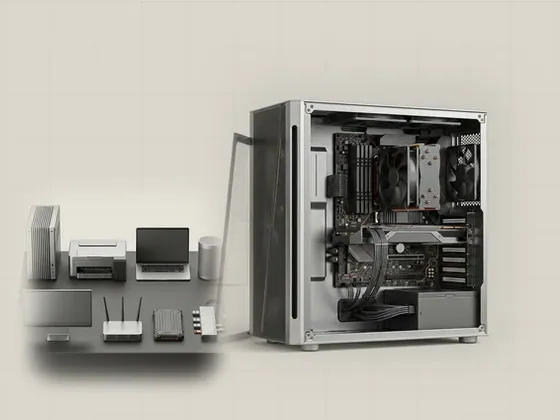
Computer & system
A computer is a collection of cooperating components rather than one indivisible device. Explore how the operating system discovers those components…
10 pages in this family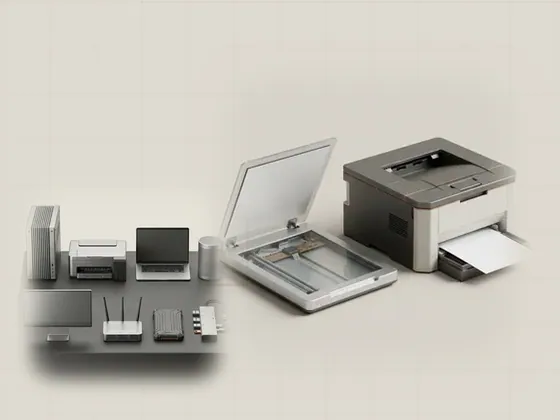 Hardware family
Printers & scanners
Printing and scanning move information in opposite directions, but both rely on agreed descriptions of documents, capabilities, and transport. Learn how an…
10 pages in this family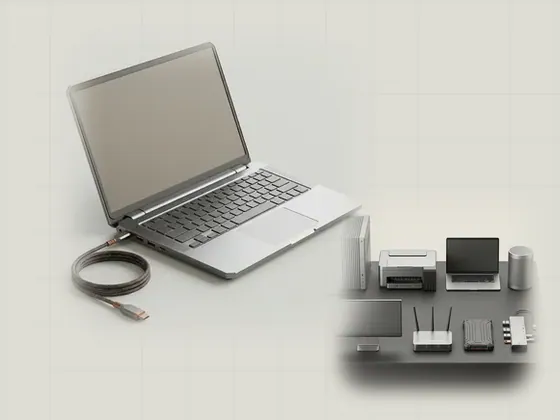 Hardware family
Laptops & portable computers
Portable computers combine tightly integrated components with changing power, display, and connection arrangements. Explore the platform-specific…
10 pages in this family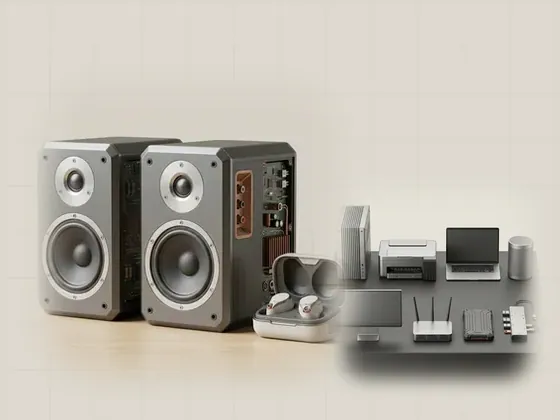 Hardware family
Audio & sound devices
Computer audio is a sequence of digital processing, timing, routing, and physical conversion. Explore how applications reach speakers and microphones, and…
10 pages in this family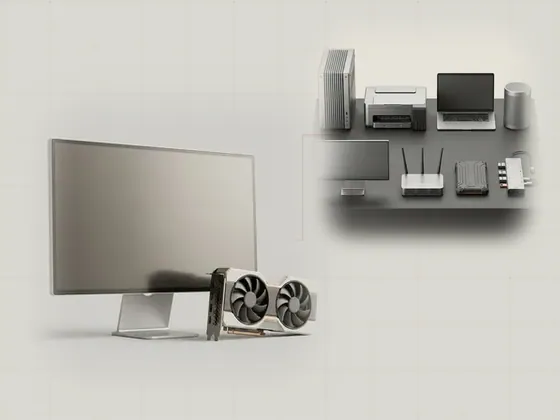 Hardware family
Display & graphics
The image on a screen is the result of rendering, composition, transmission, and display timing. Learn how graphics processors, operating-system interfaces…
10 pages in this family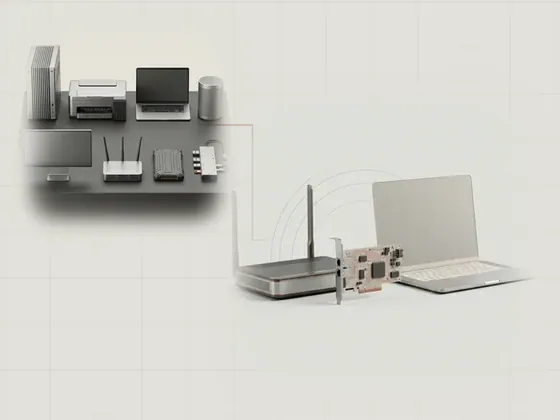 Hardware family
Network & Wi-Fi connections
A network adapter connects a computer to a communication medium, while the operating system manages the protocols above it. Learn to distinguish the local…
10 pages in this family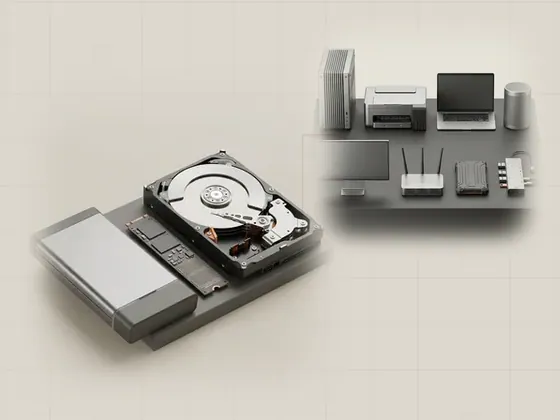 Hardware family
Storage & data paths
Storage connects persistent media to the files applications read and write. Explore the differences among a physical device, its controller, a logical…
10 pages in this family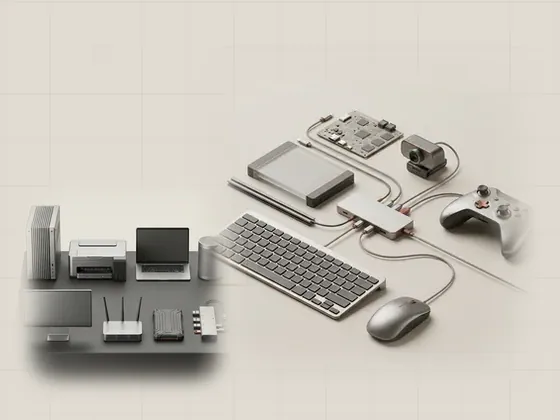 Hardware family
USB & everyday peripherals
USB provides a shared framework for discovering and communicating with many kinds of accessories. Learn how connectors, descriptors, interfaces, endpoints…
10 pages in this family