
Topic hub
Setup guides
Start with the software already present on the device. These setup guides cover inspection, operating-system updates, model-specific packages and recovery…
What this section covers
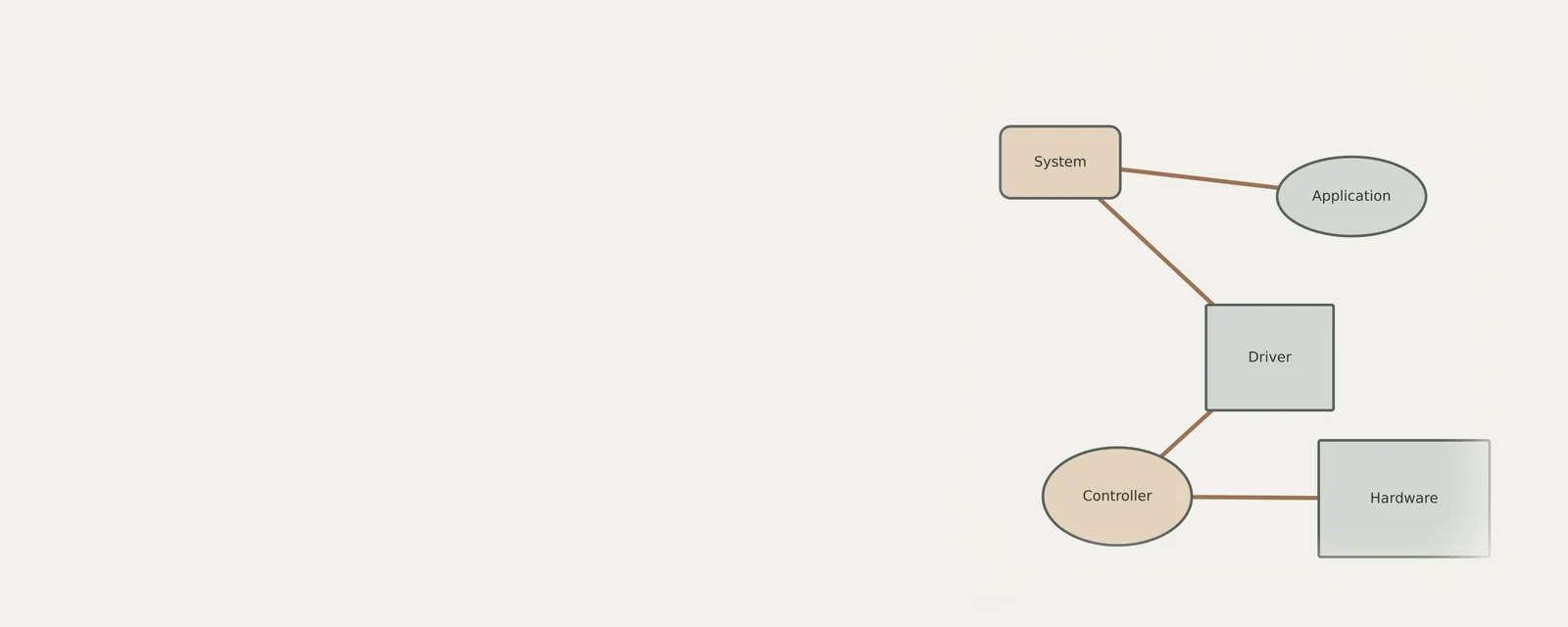
Start with the software already present on the device. These setup guides cover inspection, operating-system updates, model-specific packages and recovery decisions. They distinguish viewing information from changing configuration, and explain where the procedure depends on the operating system.
Most setup questions come down to two facts: exactly which hardware is installed, and which driver it is using now. The model name on a box or invoice is not always enough; the hardware ID shown in the device's properties identifies the component the operating system actually sees.
On many systems the operating system installs a working driver automatically. A manual install is worth doing when a device is missing, shows an error, or lacks a feature the maker's own package provides.
Step by step
Setup guides: guides
Using Device Manager with clear boundaries
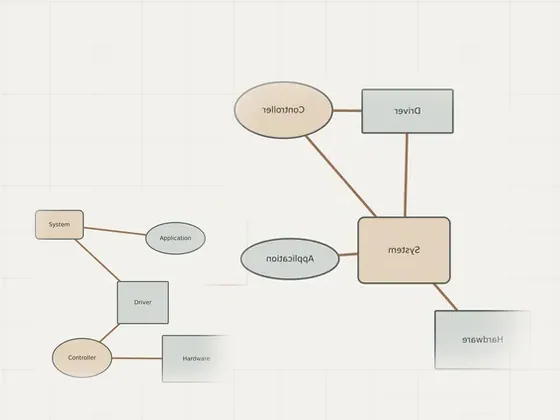
Device Manager acts as a central administrative interface for viewing and managing hardware attached to a computer. By exploring category trees and…
Planning drivers after a fresh installation
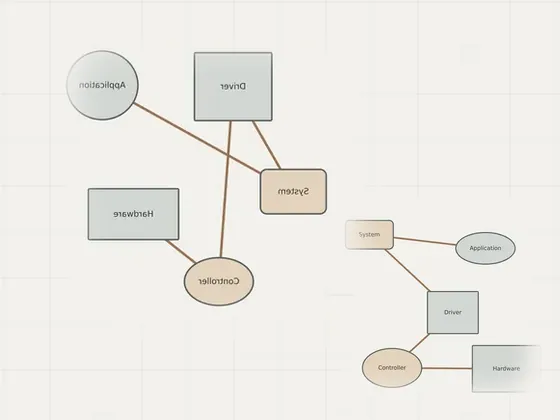
Preparing a computer after a fresh operating system installation requires methodical configuration to ensure hardware functionality. Rather than relying on…
Understanding managed device updates
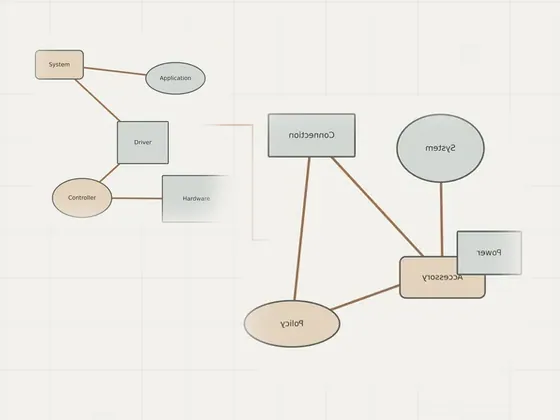
Managed computing environments rely on centralized control to maintain consistency across fleets of machines. Administrators establish specific policies…
Reading
Setup guides: articles
Checking the drivers already installed
Before changing a driver, record what the operating system reports for the device you are examining. A version string, provider and date can help you…
Finding driver updates in system settings
Operating-system updates and accessory software do not all follow the same path. Windows distinguishes recommended updates from optional packages; macOS…
Preparing a manufacturer driver package
Manual installation is appropriate only when you can identify a documented package for the exact device and current operating system. A filename or a newer…
Rolling back a recently changed driver
A rollback returns an affected device to an available prior driver package. It can be a useful comparison when a symptom began after a specific change, but…
Planning a careful driver reinstallation
Reinstalling a driver changes the current configuration; it is not a routine cleanup step for every symptom. First identify one affected device, check its…
Understanding system extensions on a laptop
An accessory application on a Mac may use a system extension to provide a hardware function. Modern system extensions and older kernel extensions have…
Recording driver versions and dates
A useful driver record is a dated observation, not a score. Copy the version, provider and other relevant fields exactly as your system reports them…
Next section
Troubleshooting
Organised by symptom: from the problem you see to the likely cause.
Open TroubleshootingReading list
Know when a page is added here
One short email per new page, nothing else. You can also follow along on the sitemap.