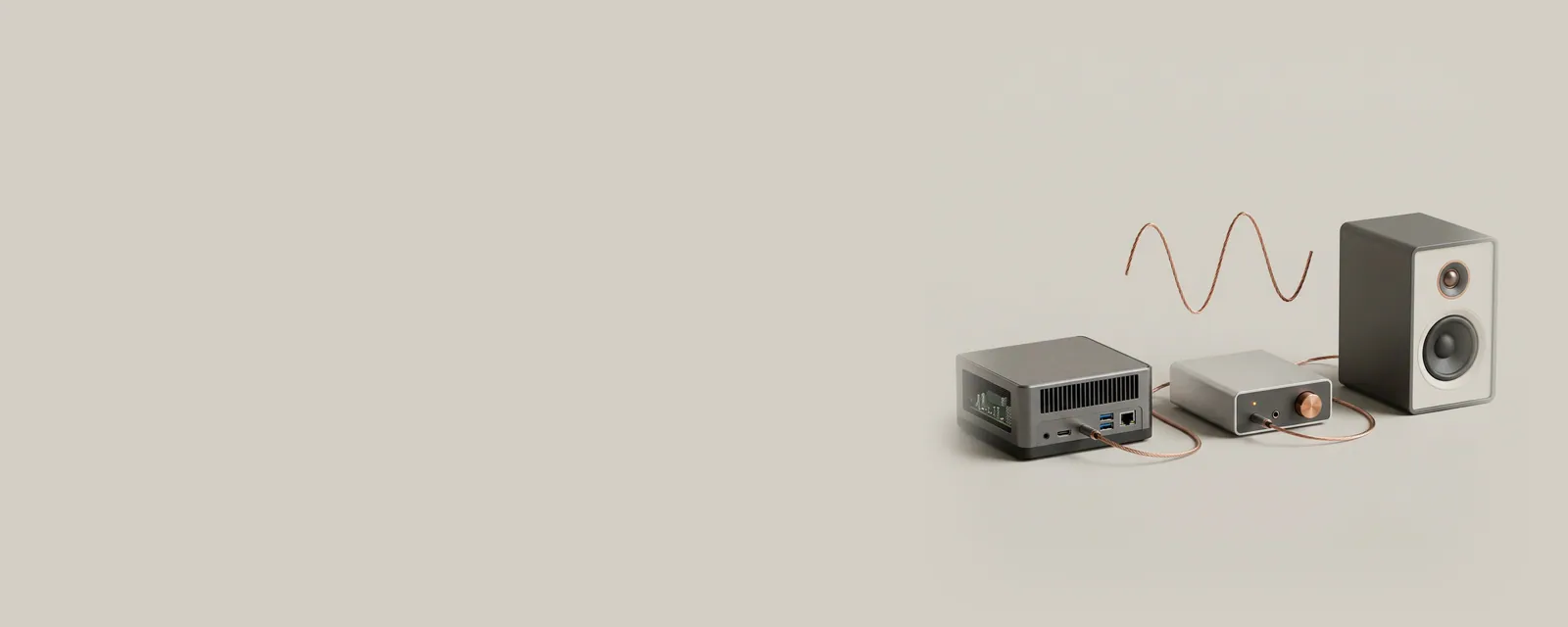
An audio signal travels through several layers before it becomes sound or a recording. Each layer has a different responsibility, making routing, format, and timing useful concepts to separate.
The bigger picture
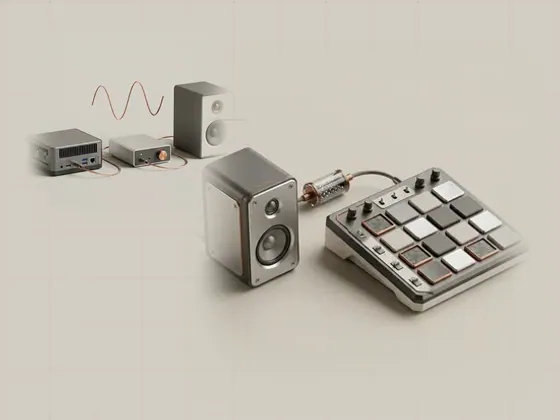
Applications work with streams of samples. The operating system can combine streams, apply supported processing, and pass buffers to an endpoint using a format the path accepts. Hardware eventually converts playback samples to an analog signal or transmits them digitally to another device. Capture reverses the direction but still requires agreed timing and formats.
A visible volume slider is only one control within this arrangement. An application can have its own level, an endpoint can expose separate controls, and external equipment can add physical adjustments. The following pages explain the underlying roles without presuming that a changed setting is necessarily the cause of a particular listening experience. No sound needs to be played to read these explanations.
Audio
Note these before you change anything
Useful facts to have to hand while reading about the computer audio signal path.
- The default playback and recording devices
- Sample rate and bit depth in the device properties
- Enabled enhancements or spatial sound
- Driver name and version, and whether it is a built-in class driver or a vendor one
Audio: Playback (output); recording runs the other way
- Applicationplays a stream
- Audio enginemixes and resamples
- Audio driverbuilt-in class or vendor
- Codec or DACconverts digital to analogue
- Speakers or headphonesanalogue or USB
Pages in The computer audio signal path
Playback and recording endpoints
An audio endpoint is a source or destination that software can select for a stream. Playback endpoints receive sound data, while capture endpoints provide…
Sample rates and audio formats
Sample rate describes how many audio samples represent each second of a signal. It is one part of a format that can also include sample representation…
Shared and exclusive audio paths
A shared audio path lets multiple applications contribute streams to a common endpoint. An exclusive path, when supported and requested, gives one…
Audio latency and buffering
Audio latency is the delay between an event and the corresponding sound or captured data. It accumulates across buffering, processing, transport, and…