Start with this article
Identifying network adapters
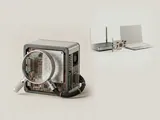
The Network adapters category in Device Manager can contain more than the Wi-Fi and Ethernet hardware you recognize. Virtual networking components…
Read the articleWhat this section covers
A network adapter connects a computer to a communication medium, while the operating system manages the protocols above it. Learn to distinguish the local link, addressing, wireless capabilities, and application traffic.
Understanding this family
The adapter handles only part of a network connection. A usable local link does not guarantee internet access, and a working internet connection does not establish that every application can reach its destination. Address configuration, routing, name resolution, permissions, and remote service behavior sit at different points along the path.
Wireless communication introduces an additional negotiation among the adapter, access point, radio environment, and operating-system device assistance. Wired connections have their own link negotiation and physical constraints. Numbers shown for link speed describe a local relationship, not a promise about the speed of a distant website or the performance of every transfer.
A useful place to begin
Begin with the adapter-stack topics to understand interfaces, packets, addresses, and offloads. Continue to the wireless section for bands and connection state. This site does not discover nearby networks or collect their names. For actual network-device packages, use the equipment maker's reference resource or Windows Update rather than an intermediary scan service.
Field notes
Network & Wi-Fi at a glance
Network & Wi-Fi: Sending data (simplified; replies return the same way)
- Applicationopens a connection
- Network stackTCP/IP and name lookup
- Adapter driverWi-Fi or Ethernet
- Network adapterradio or port
- Routerand the wider network
Write these down first
- Adapter name and driver version
- Whether other devices on the same network work
- IP configuration shown in the system's network details
- Power-saving settings on the adapter
Clues, not a diagnosis
Might involve the driver: The adapter missing or showing an error code, drops that start after sleep, or one computer failing where others connect.
Check these too: Router or provider outages, a wrong password, airplane mode or a hardware wireless switch, distance and interference, a faulty cable, or VPN and security software settings.
Where updates usually come from
Windows Update offers many adapter drivers; the laptop or motherboard maker's page lists the version tested for that model.
Practical articles
Topic
Network adapters and protocol layers
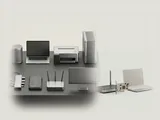
The path from an application to a network passes through several interfaces. Hardware transmission, packet handling, address configuration, and higher-level…
Topic
Wireless capabilities and connection state
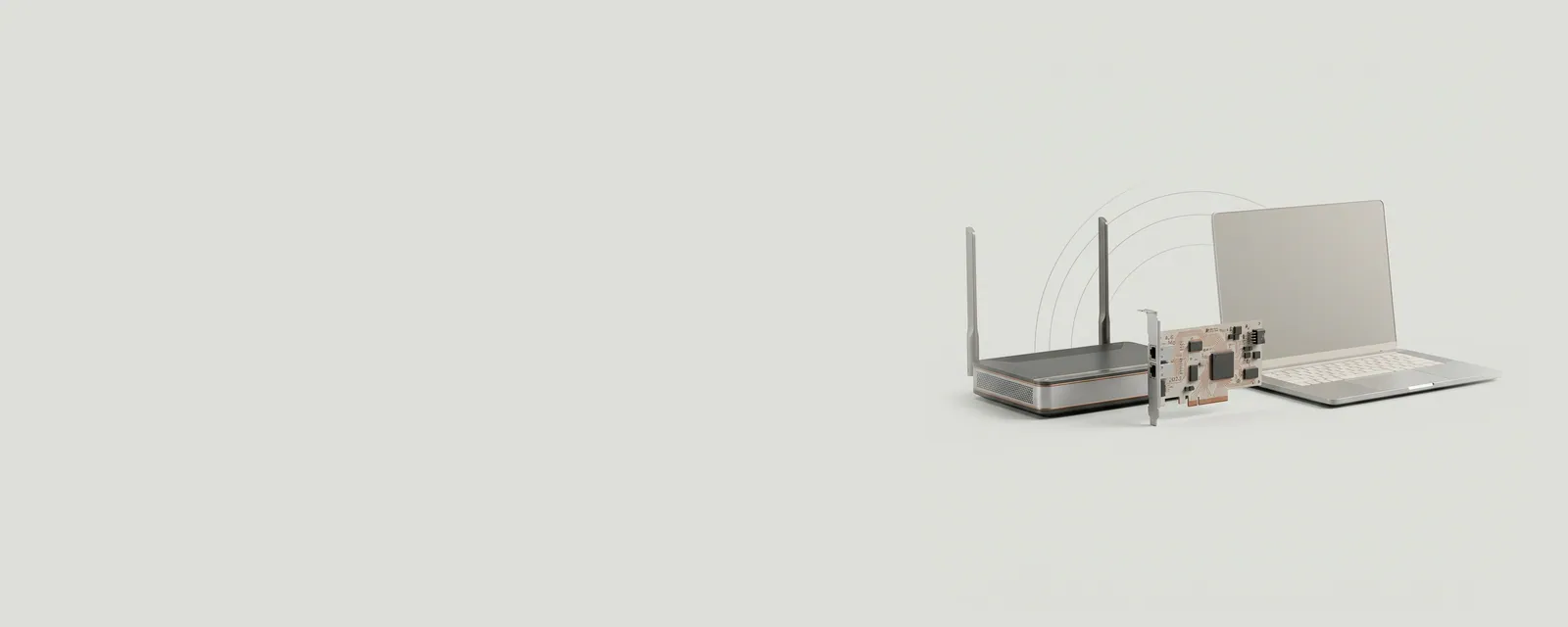
Wi-Fi operation depends on a negotiated relationship between a radio and an access point within a changing environment. Standards, frequency bands, signal…
Prefer a walkthrough
Step-by-step guides use the tools already on your computer
Each guide is tied to manufacturer documentation and keeps every change reversible.
Browse the guides