
Topic hub
Safe updates
An update should have a reason, a matching package and a recovery option. Read the five-step method first, then the guides about versions, system delivery…
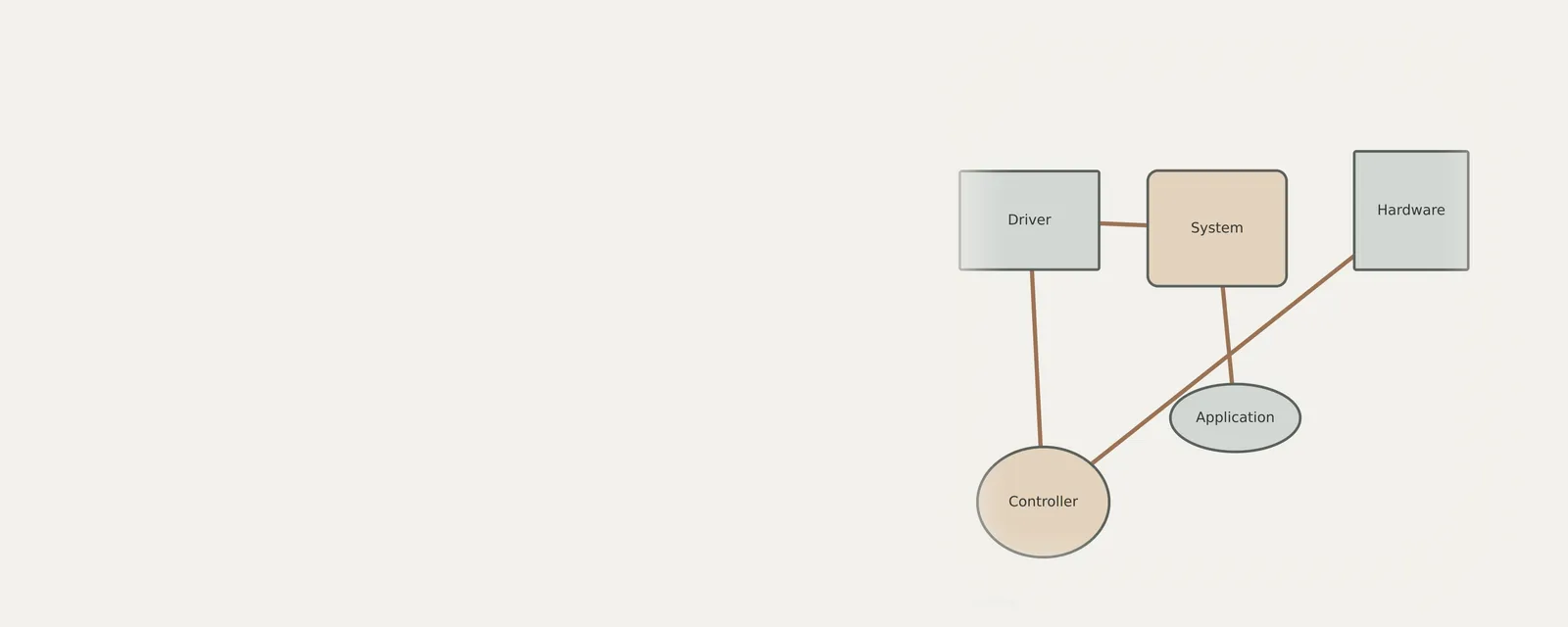
What this section covers
An update should have a reason, a matching package and a recovery option. Read the five-step method first, then the guides about versions, system delivery, recovery and firmware boundaries. A newer number alone does not establish that a change is necessary or suitable for your device.
Genuine drivers usually come from two places: the operating system's own update channel and the device or computer maker's website. Driver bundle sites and updater programs add a layer between you and those sources, which is where wrong or modified packages tend to appear.
Before an update, find out what recovery route actually exists on your system. A previous-driver rollback button is only available when an earlier driver is stored, restore points may be switched off, and some firmware updates cannot be reversed at all.
Step by step
Safe updates: guides
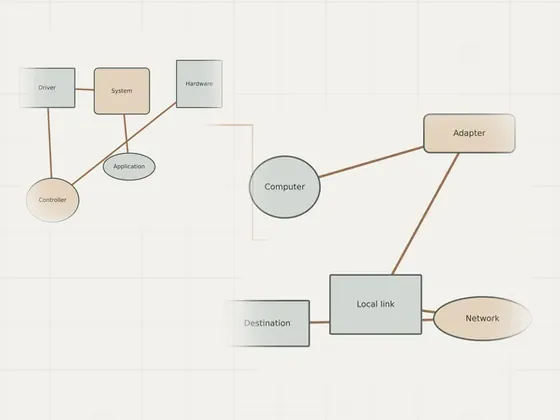
Why broad updater tools create extra risk
Automated software tools that claim to manage drivers across all hardware often introduce significant instability. These programs frequently rely on broad…
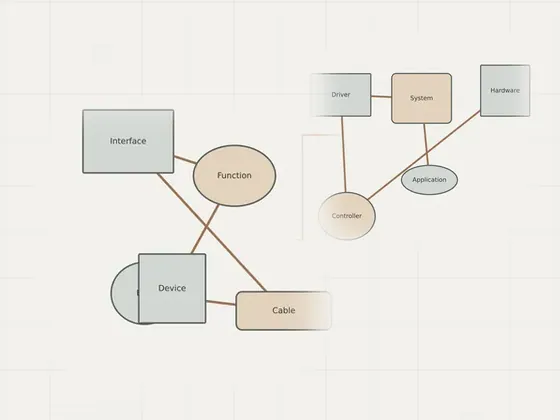
What version and date fields really show
Understanding metadata fields in device properties reveals specific details about how software interacts with your hardware. These timestamps and version…
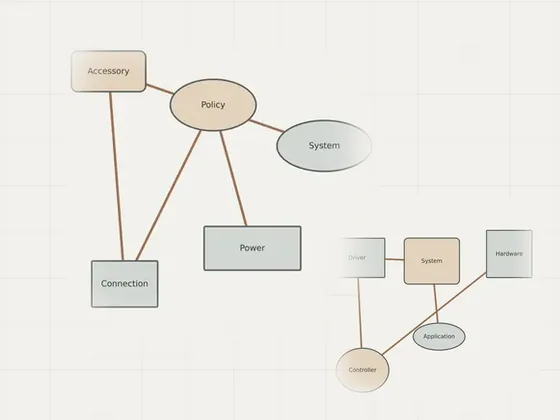
How system updates deliver driver packages
System software integration relies on background mechanisms to bridge hardware components with your operating system. Managing these packages involves…
Separating firmware decisions from driver updates
Managing hardware performance requires distinguishing between driver software and device firmware. Drivers facilitate communication between the host…
Understanding automatic update controls
Managing automated system updates requires a clear understanding of how operating systems handle background tasks and optional components. Updates serve to…
Reading
Safe updates: articles
A five-step method for a considered update
A safe update decision begins before installation. Identify the reason for the change, the exact device and current system, then compare the relevant…
When leaving a working driver alone is sensible
A newer driver package is not automatically useful for a working configuration. Version numbers and dates need context, and a change can introduce a…
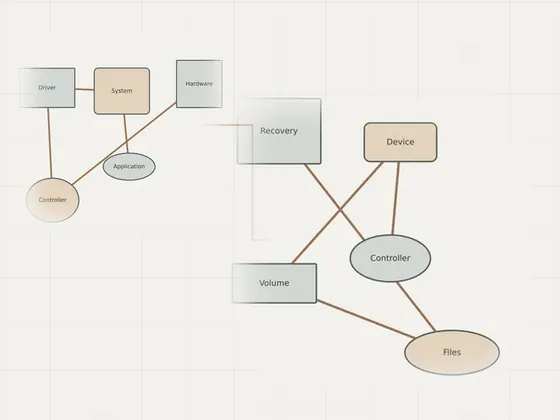
Preparing a recovery option before changes
Prepare recovery before changing a component that your next step depends on. A personal-file backup, a record of the current package and a system restore…
Reading list
Know when a page is added here
One short email per new page, nothing else. You can also follow along on the sitemap.