A portable computer's input surfaces, buttons, and sensors share the chassis but may communicate through very different interfaces. Their software representations follow these functional boundaries rather than their physical proximity.
The bigger picture
Some built-in components use familiar buses such as USB; others use compact internal connections or firmware-defined interfaces. A single keyboard action can involve a physical switch, an embedded controller, an operating-system event, and a display overlay. The fact that the action begins on the keyboard does not mean that a keyboard package owns every stage.
This section distinguishes the mechanisms behind touchpad input, special keys, camera permissions, and platform sensors. It is useful when reading specifications or comparing the names shown in a device inventory. Treat the computer model and operating-system version as the context for each description. A similar-looking control on another chassis may be implemented quite differently, even within the same product family.
Laptops
Note these before you change anything
Useful facts to have to hand while reading about built-in laptop devices.
- Exact model and variant code from the underside label
- Firmware version
- The maker's driver package versions
- Which functions fail: hotkeys, touchpad gestures, sleep
Laptops: Selected laptop-specific layers
- Operating systempower and input
- Platform drivershotkeys, sensors, power
- Embedded controllerbattery and fans
- Integrated devicestouchpad, camera, keyboard
- Docks and portsUSB-C and similar
Pages in Built-in laptop devices
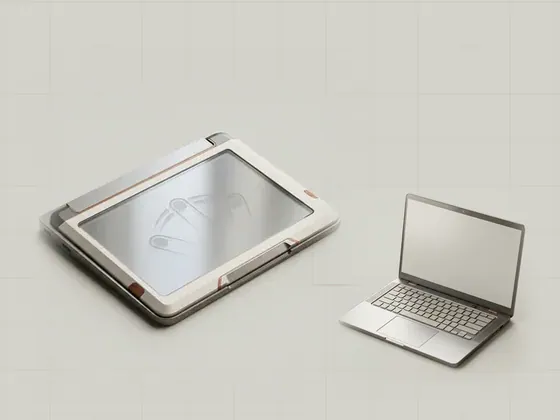
Precision touchpad input
A precision touchpad exposes contact information through an operating-system-defined interface so Windows can interpret gestures consistently. It reports…
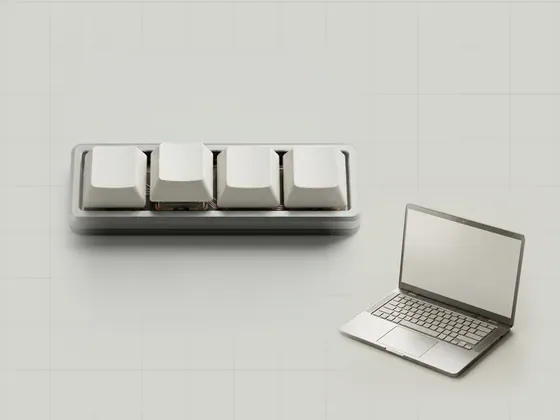
Function keys and laptop controls
Special laptop keys can control brightness, media playback, radios, or other platform functions. Their labels describe the intended action, but the…
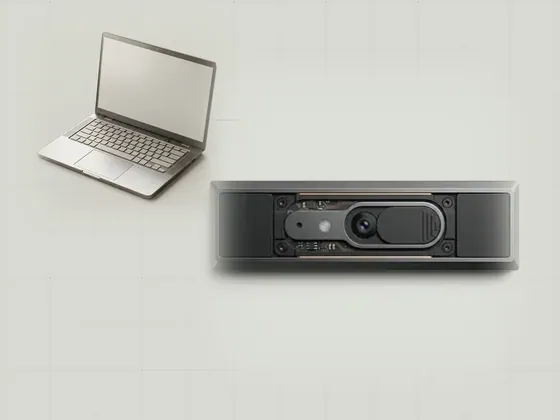
Integrated cameras and permissions
An integrated camera includes an imaging device and a software path that applications can request access to. Device recognition, application permission, and…
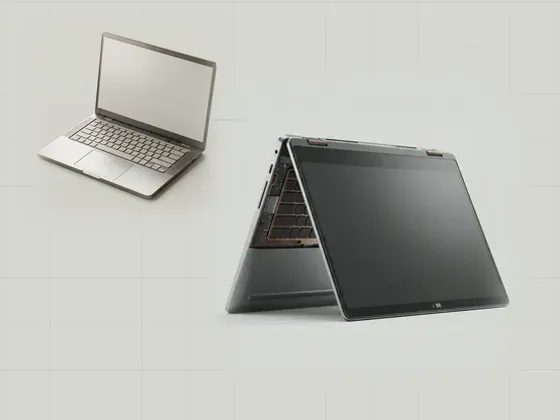
Laptop sensors and orientation
Portable computers can contain sensors for motion, orientation, ambient light, or other contextual information. These measurements let the operating system…