
Topic hub
Learn about device drivers
Learn the terms behind the procedures: driver roles, execution modes, request stacks, signatures and device status messages. The articles explain these…
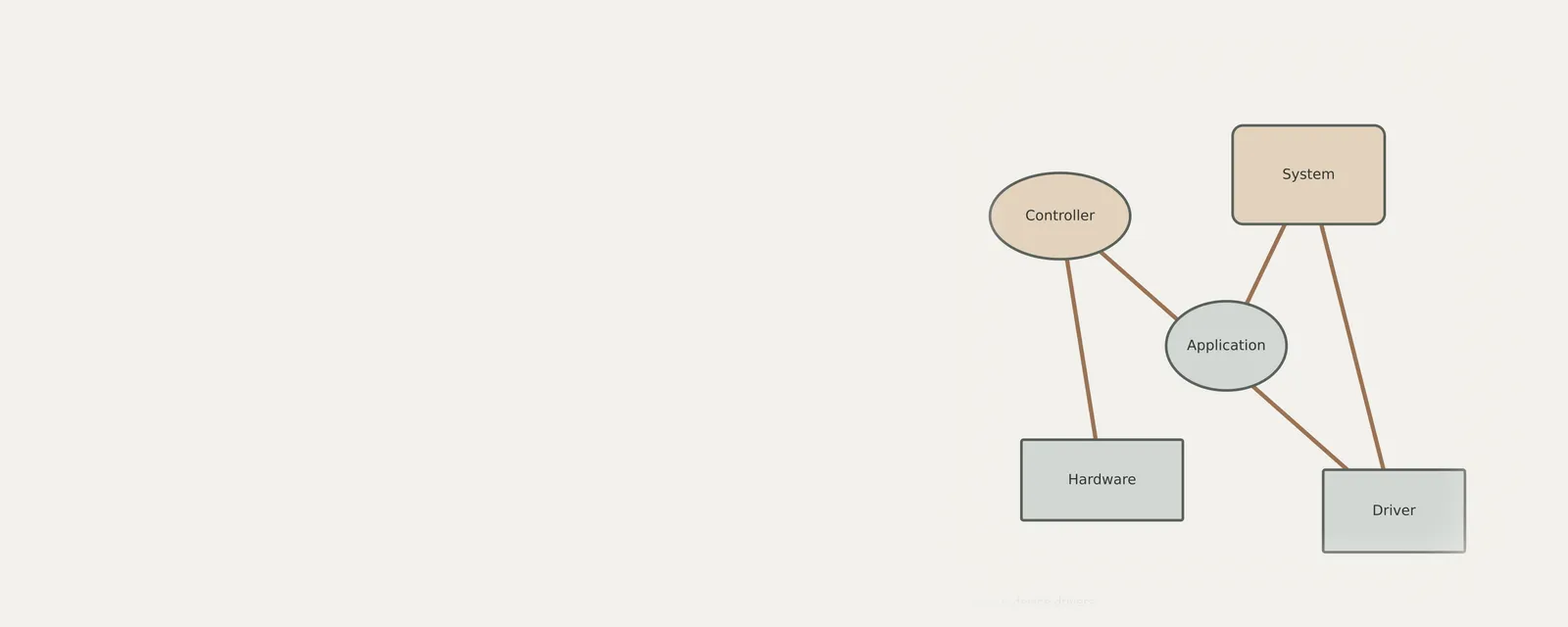
What this section covers
Learn the terms behind the procedures: driver roles, execution modes, request stacks, signatures and device status messages. The articles explain these ideas without treating them as diagnoses. Understanding a term can help you read a system report, but it does not prove which component caused a symptom.
Applications rarely talk to hardware directly. They ask the operating system, which passes the request to the driver for that device; the driver translates it into commands the hardware understands.
Knowing these layers helps make sense of symptoms. A problem in one application suggests a different layer from a problem that affects every program using the same device.
Step by step
Learn about device drivers: guides
What a driver signature can and cannot tell you
When you install components on your machine, you frequently encounter digital signatures attached to software packages. This cryptographic identifier…
Reading common driver terminology in context
Understanding technical terminology associated with hardware communication is essential for managing device performance. INF files define installation…
How driver responsibilities changed over time
Driver development has moved from direct hardware interaction to complex layered architectures. Early systems relied on static code tied to specific…
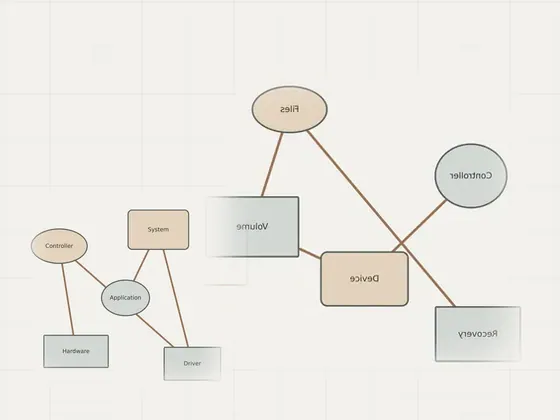
Why a driver can be involved in a system crash
System crashes often involve complex interactions between hardware components and the low-level code that facilitates their operation. While many people…
Reading
Learn about device drivers: articles
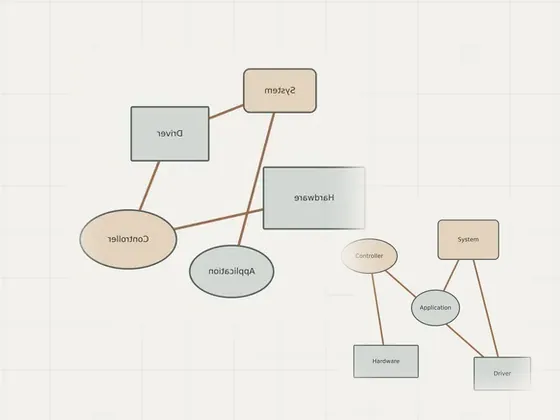
Understanding what a device driver does
A device driver provides a software interface for requests involving a device or another component. An application usually uses operating-system interfaces…
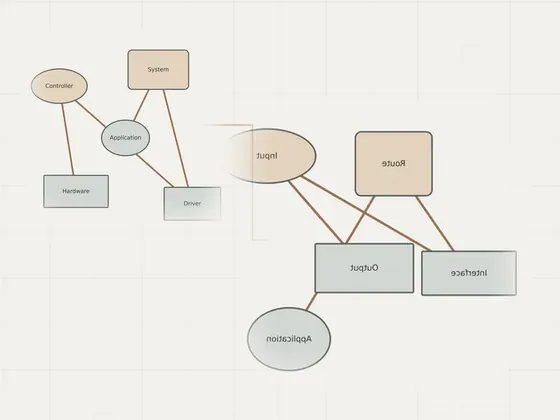
Comparing driver execution modes
User mode and kernel mode describe execution environments and privileges, not a simple good-or-bad rating. Process isolation limits direct access to…
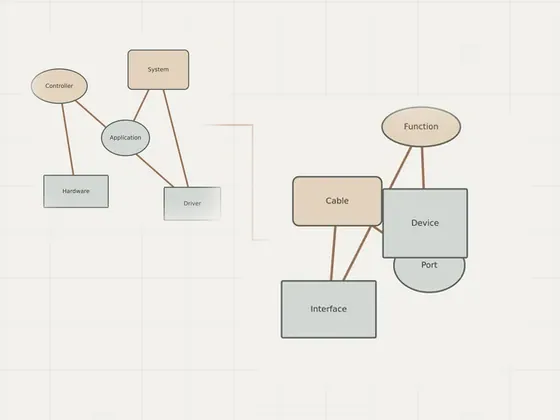
Following a request through a driver stack
A request can pass through several software components before a device performs an operation. Function, bus and filter roles help describe those…
Next section
Driver types
What each kind of driver controls and where its updates come from.
Open Driver typesReading list
Know when a page is added here
One short email per new page, nothing else. You can also follow along on the sitemap.