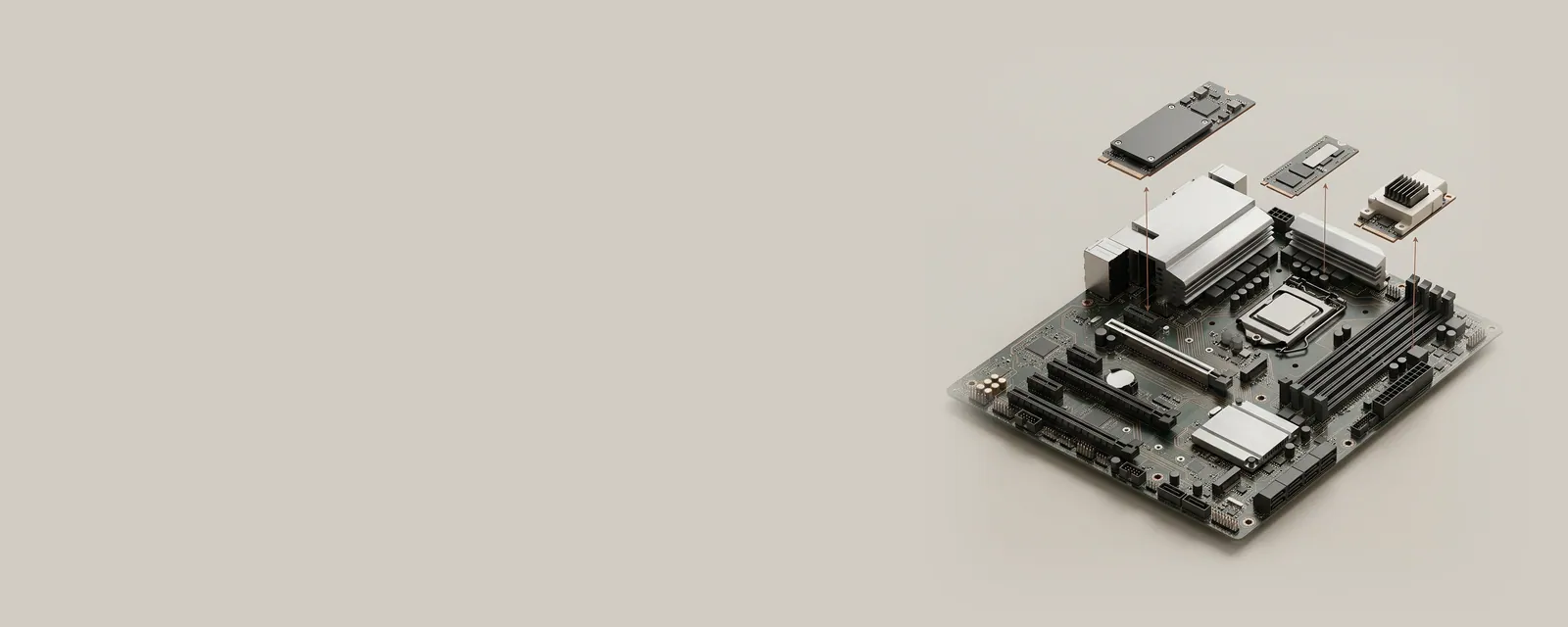
Device discovery turns a physical collection of controllers and accessories into a structured inventory the operating system can use. Names, identifiers, and categories describe different aspects of that inventory.
The bigger picture
Discovery usually begins with a bus reporting that a device exists. The information might come from firmware tables, a USB descriptor, or a PCI configuration space. Windows uses these reports to create device nodes and determine which installation instructions are relevant. Several nodes can represent one enclosure because each function has its own relationship with the system.
The visible name is meant to help people navigate the inventory; it is not the matching rule itself. Hardware identifiers can be precise, compatible identifiers can describe a broader class, and an instance identifier distinguishes one enumerated occurrence. Understanding these levels is more useful than treating every unfamiliar label as an error. Read the pages below before comparing two devices that happen to have similar names.
Computer & System
Note these before you change anything
Useful facts to have to hand while reading about how a computer discovers devices.
- Motherboard or computer model and firmware version
- Chipset driver package version
- Any firmware settings changed from defaults
- Unknown devices listed in Device Manager
Computer & System: One selected path: a device on a chipset bus
- Operating systemmanages devices
- Chipset driversidentify buses and power features
- ChipsetPCIe, USB and SATA links
- Firmware (UEFI)initialises hardware at start-up
- Attached deviceson those links
Pages in How a computer discovers devices
Plug and Play discovery
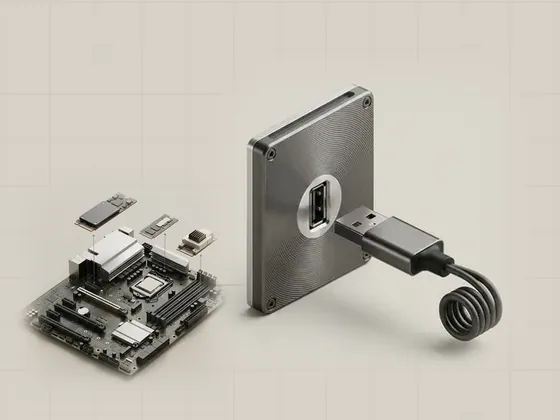
Plug and Play is the operating system's coordination process for noticing equipment, arranging its resources, and choosing the software needed to expose its…
Hardware identifiers and matching
A hardware identifier is a string reported for a device that helps Windows match it with installation information. It describes compatibility, not…
Device classes and categories
Device classes organize equipment by a shared installation or functional role. A category in Device Manager makes a large inventory easier to browse, but it…
Device instances and connection paths
A device instance represents one occurrence of an enumerated device in the operating system's inventory. Its identity helps Windows maintain settings across…