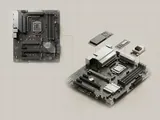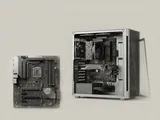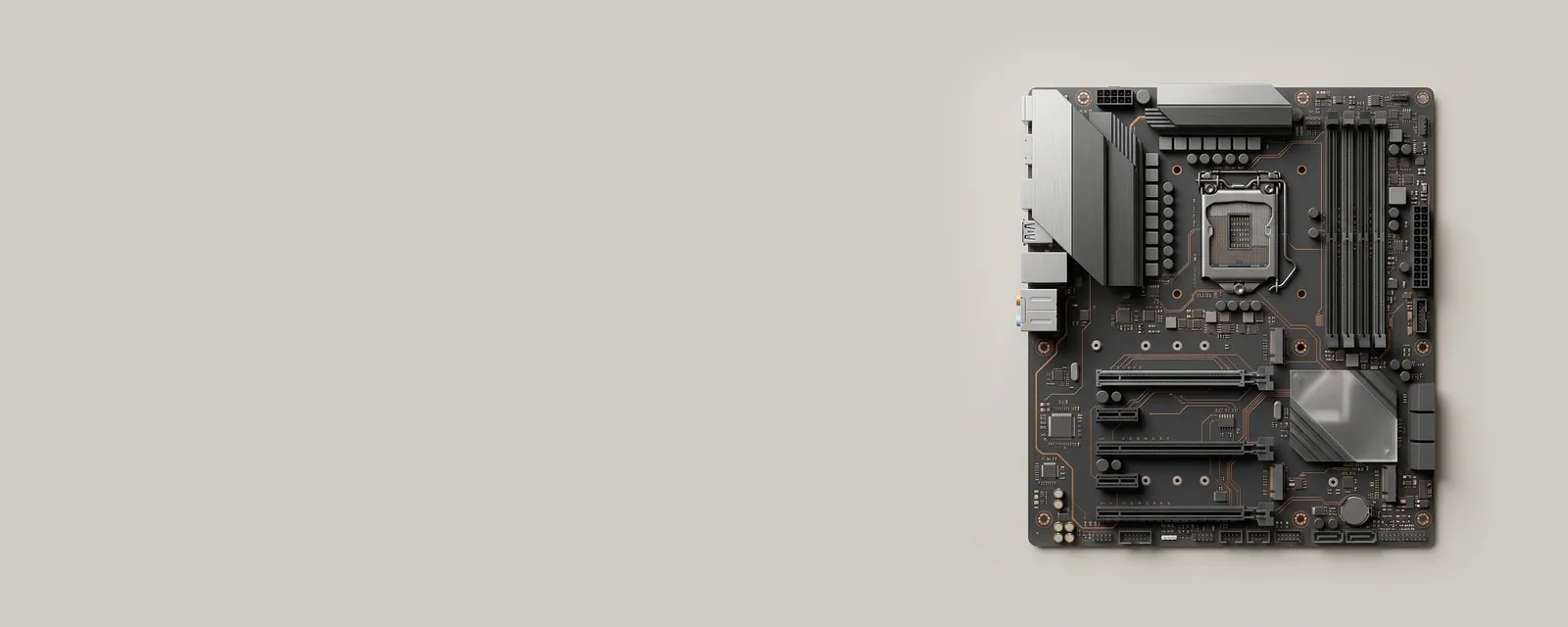
Controllers, processors, and memory cooperate through standardized connections and resource-management rules. These foundations explain why a seemingly simple operation may involve several layers below an application.
The bigger picture
A platform has to coordinate both communication and ownership. A controller needs a way to move bytes, notify the processor when work finishes, and describe the memory regions or channels assigned to it. The operating system mediates these responsibilities so unrelated components can share the machine without every application handling the underlying electrical details.
The terms in this section describe mechanisms, not upgrade recommendations. Faster nominal link speeds do not guarantee faster applications, and an interrupt count is not a direct measurement of hardware quality. Context matters: workload, power state, software scheduling, and the design of the complete path all influence what a user sees. The individual topics separate each mechanism from the assumptions often attached to it.
Computer & System
Note these before you change anything
Useful facts to have to hand while reading about system buses and shared resources.
- Motherboard or computer model and firmware version
- Chipset driver package version
- Any firmware settings changed from defaults
- Unknown devices listed in Device Manager
Computer & System: One selected path: a device on a chipset bus
- Operating systemmanages devices
- Chipset driversidentify buses and power features
- ChipsetPCIe, USB and SATA links
- Firmware (UEFI)initialises hardware at start-up
- Attached deviceson those links
Pages in System buses and shared resources
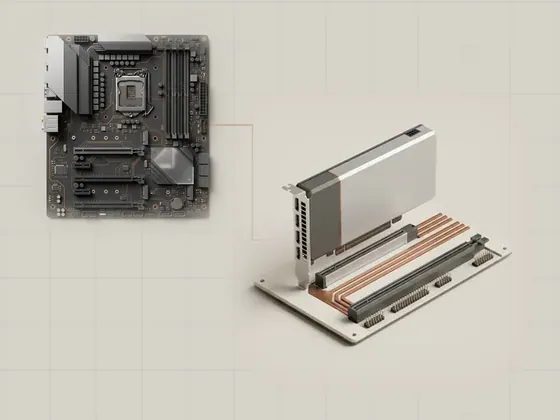
PCI Express connections
PCI Express is a high-speed interconnect used by many internal components. It carries structured transactions over serial links, giving graphics, storage…
Interrupts and completed work
An interrupt is a notification that asks a processor to pay attention to an event. Hardware can use notifications to report completed transfers or other…
Direct memory access explained
Direct memory access allows a controller to transfer data to or from memory without the processor copying every byte itself. The processor still coordinates…
Firmware tables and ACPI
Firmware supplies platform information that the operating system cannot discover from a connector alone. ACPI is one standardized way to describe…