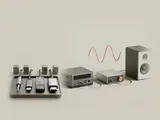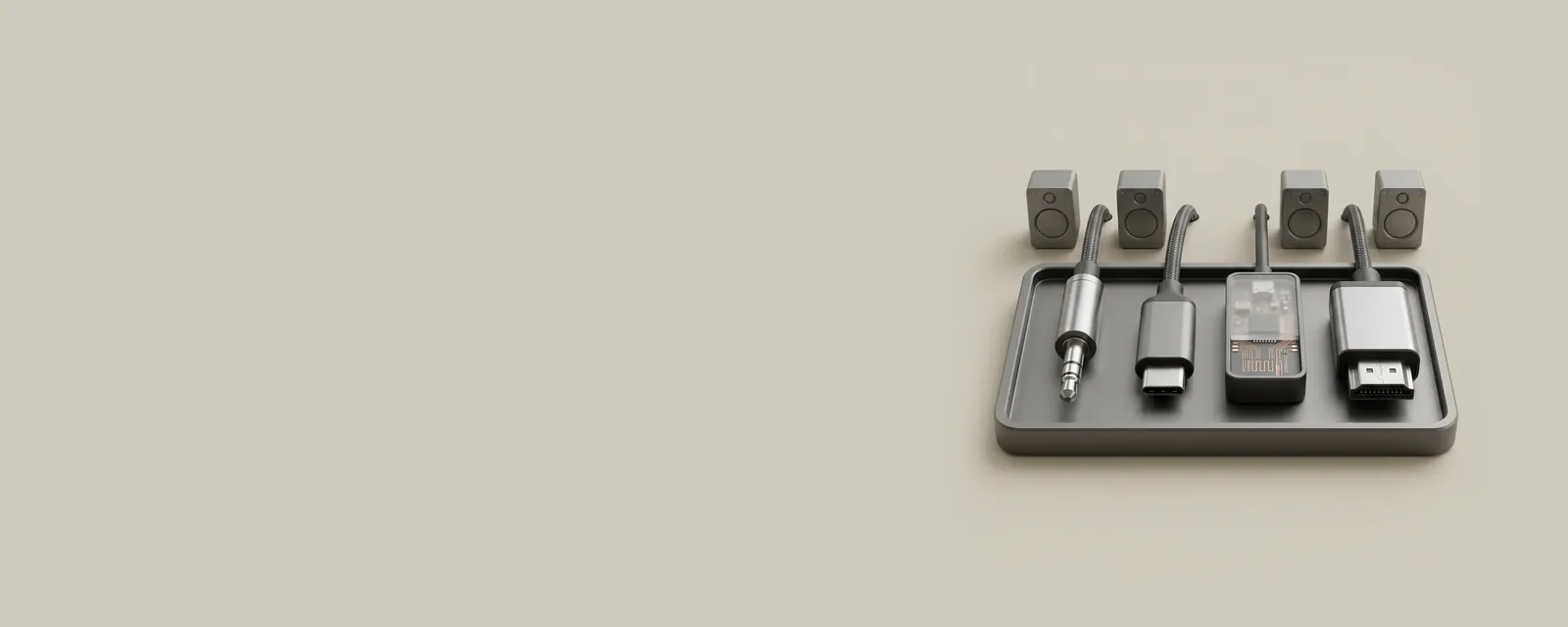
Analog jacks, USB, wireless links, and digital display connections each carry sound through different interfaces. Understanding the transport helps explain the endpoints and format choices an operating system exposes.
The bigger picture
An analog connection carries an electrical waveform, while a digital link carries a representation that must be interpreted downstream. The location of conversion can therefore change when an accessory is replaced without any change to the application producing sound. The same headset may even use different paths depending on the connection mode selected. Its microphone input and playback output can be exposed as separate endpoints.
Capabilities come from the complete path, not from the connector's appearance alone. A cable, adapter, receiver, or display can add limits or expose additional endpoints. The topics below focus on these distinctions rather than treating all audio devices as interchangeable. For exact format and operating-system compatibility, rely on the equipment maker's published specifications and documented connection modes.
Audio
Note these before you change anything
Useful facts to have to hand while reading about ways audio devices connect.
- The default playback and recording devices
- Sample rate and bit depth in the device properties
- Enabled enhancements or spatial sound
- Driver name and version, and whether it is a built-in class driver or a vendor one
Audio: Playback (output); recording runs the other way
- Applicationplays a stream
- Audio enginemixes and resamples
- Audio driverbuilt-in class or vendor
- Codec or DACconverts digital to analogue
- Speakers or headphonesanalogue or USB
Pages in Ways audio devices connect
USB audio class connections
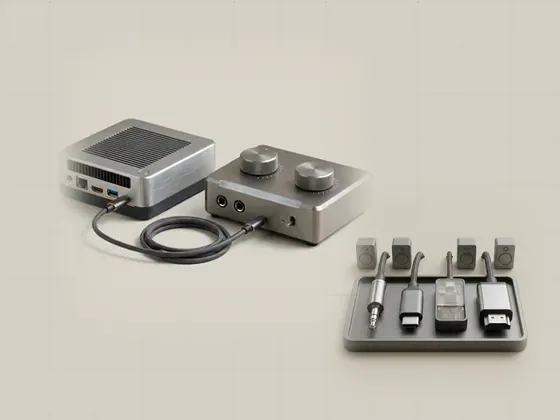
USB audio equipment exchanges digital samples through a standardized class interface or a documented device-specific path. The external unit often performs…

Bluetooth audio profiles
Bluetooth audio behavior depends on supported profiles and codecs, not merely on the presence of a wireless connection. A profile defines an intended use…
Audio over display connections
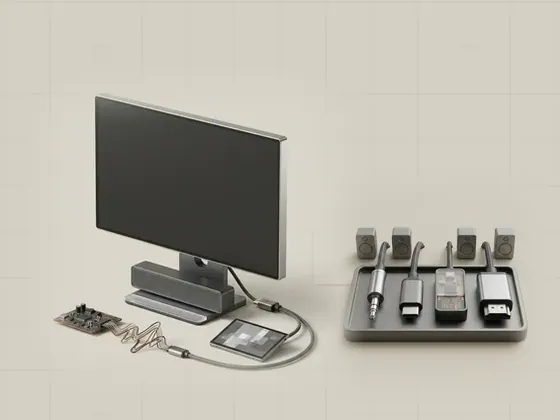
Digital display connections can carry audio alongside video. A monitor, television, or receiver can consequently appear as a playback destination even when…
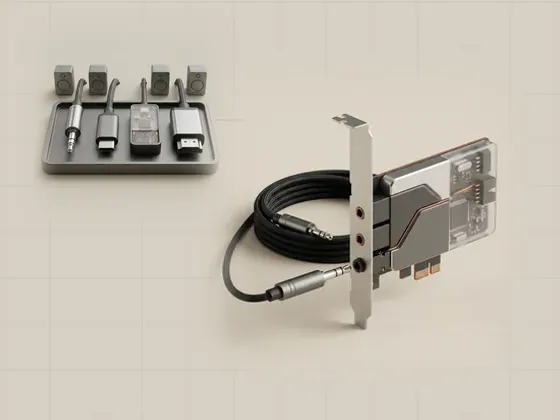
Analog jacks and audio codecs
An analog jack carries an electrical signal that represents sound. The conversion between digital samples and that signal happens in an audio codec or…