Start with this article
Reading hardware identifiers safely
Hardware IDs help Windows match a device with a driver package. They describe a device type or a more specific hardware configuration; they are not…
Read the articleWhat this section covers
A computer is a collection of cooperating components rather than one indivisible device. Explore how the operating system discovers those components, assigns their software, and coordinates the shared resources underneath everyday applications.
Understanding this family
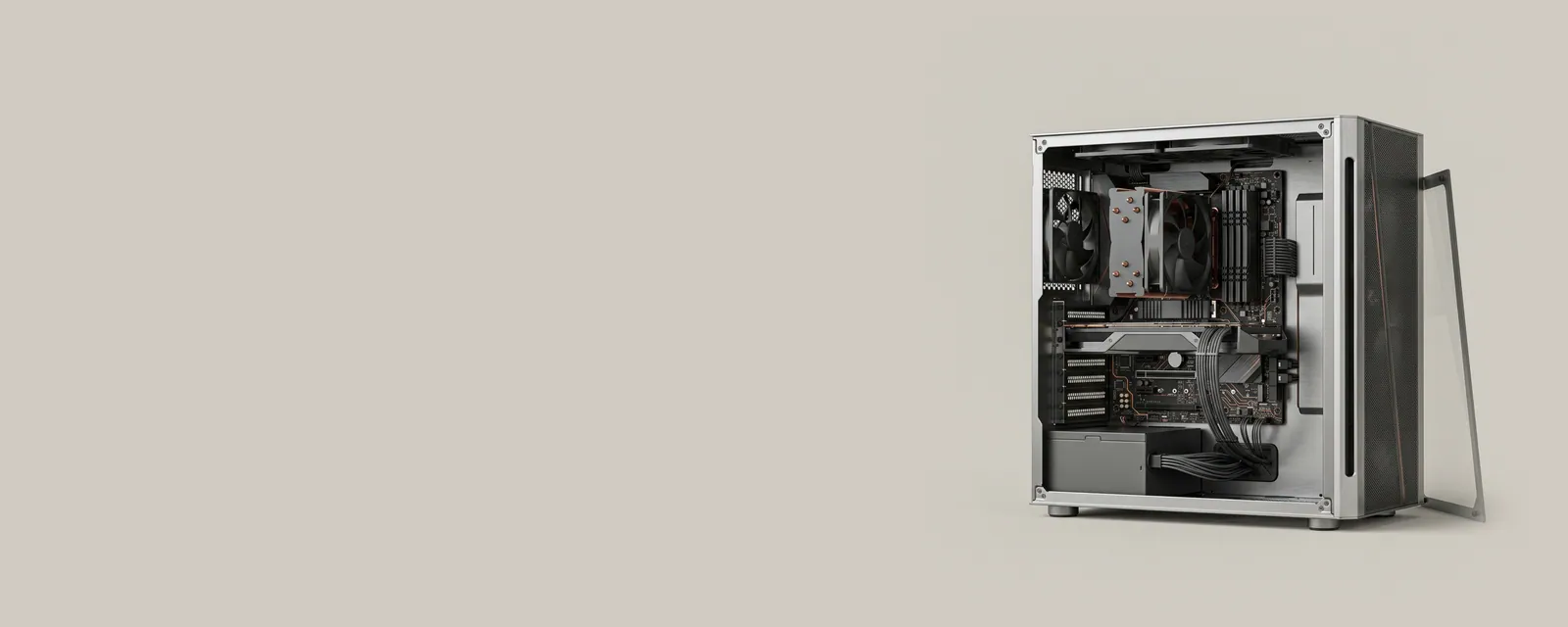
The processor executes instructions, memory holds active work, and controllers move information to and from connected equipment. A system board brings these parts together through several electrical interfaces. Windows builds a software description of this arrangement, so a single physical board can appear as many entries in Device Manager.
Firmware provides the starting information needed before the operating system has taken control. After startup, enumerators report connected equipment and Plug and Play associates it with suitable software packages. These layers have different responsibilities: identifying a component is not the same activity as transferring its data or managing its power.
A useful place to begin
Begin with discovery if you want to understand device names and identifiers. Continue to the platform section for buses, interrupts, and resource allocation. For an actual package, use Windows Update or the computer maker's reference source, matching the exact model and operating-system architecture rather than relying on a familiar-looking filename.
Field notes
Computer & System at a glance
Computer & System: One selected path: a device on a chipset bus
- Operating systemmanages devices
- Chipset driversidentify buses and power features
- ChipsetPCIe, USB and SATA links
- Firmware (UEFI)initialises hardware at start-up
- Attached deviceson those links
Write these down first
- Motherboard or computer model and firmware version
- Chipset driver package version
- Any firmware settings changed from defaults
- Unknown devices listed in Device Manager
Clues, not a diagnosis
Might involve the driver: Several unrelated devices listed as unknown after a fresh install, or power and sleep features missing.
Check these too: Firmware settings, a firmware version issue, loose cards or cables, power supply problems, or failing components. Faults before the operating system starts point away from drivers.
Where updates usually come from
The motherboard or computer maker's page for the exact model.
Practical articles
Topic
How a computer discovers devices
Device discovery turns a physical collection of controllers and accessories into a structured inventory the operating system can use. Names, identifiers…
Topic
System buses and shared resources
Controllers, processors, and memory cooperate through standardized connections and resource-management rules. These foundations explain why a seemingly…
Prefer a walkthrough
Step-by-step guides use the tools already on your computer
Each guide is tied to manufacturer documentation and keeps every change reversible.
Browse the guides