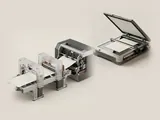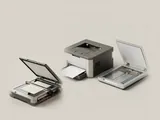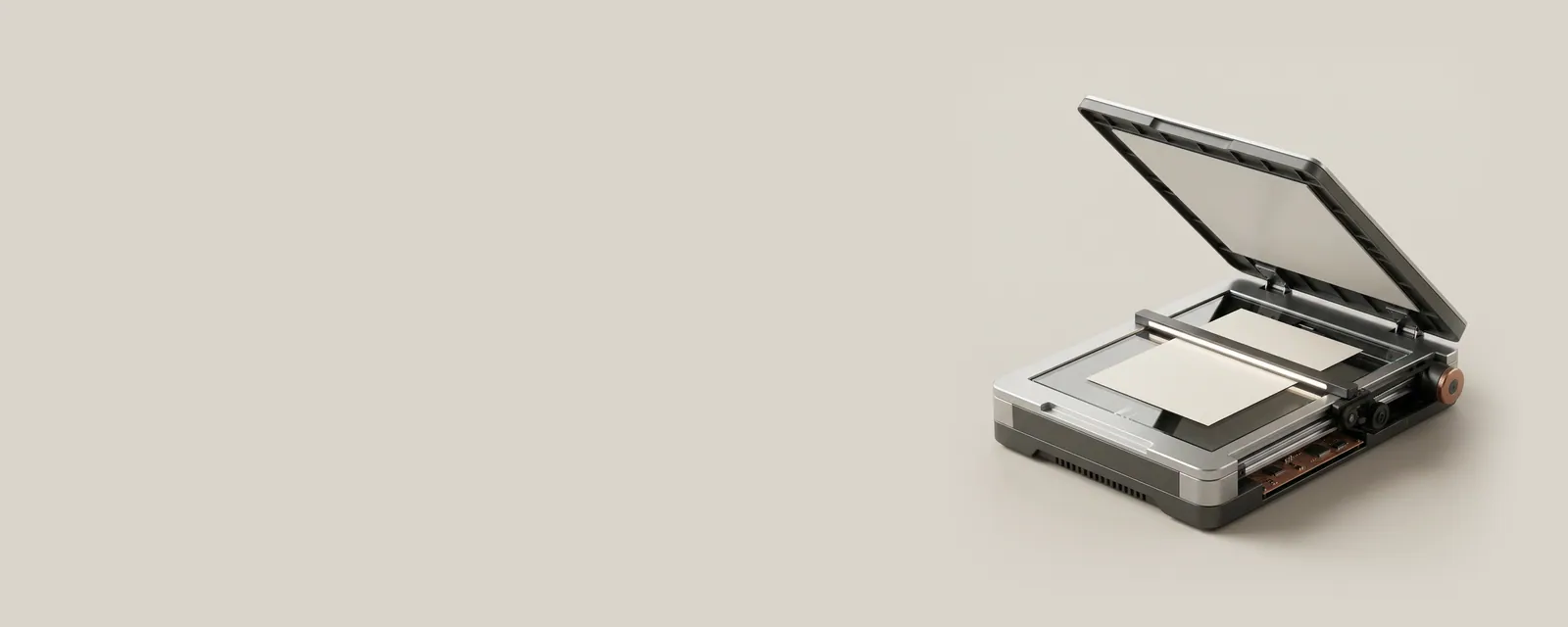
A scan combines a physical sampling process with software that requests, receives, and interprets image data. Resolution, acquisition interfaces, and document handling each influence the resulting file in different ways.
The bigger picture
The imaging hardware illuminates a surface and records samples. Acquisition software communicates desired settings and receives the resulting image, while an application decides how to crop, store, or organize it. Optical character recognition is an additional interpretation step, not an inherent property of every scanner or every image file.
A multifunction device can offer several sources, such as a flatbed and an automatic feeder. Each source has its own constraints, including document size and supported two-sided handling. Network discovery and local USB discovery may expose the same mechanism through different interfaces. The following topics explain what these labels mean without assuming that two capture applications reveal exactly the same controls.
Printers & Scanners
Note these before you change anything
Useful facts to have to hand while reading about scanning interfaces and image capture.
- Printer queue name and the port it uses
- Driver name: a built-in class driver or the maker's
- Whether the printer is reached by USB, IP address or name
- Default paper size and tray
Printers & Scanners: One common printing path (scanning runs the other way)
- Applicationsends a print job
- Print systemqueues and renders
- Printer driverbuilt-in class or vendor
- ConnectionUSB or network
- Printerproduces the page
Pages in Scanning interfaces and image capture
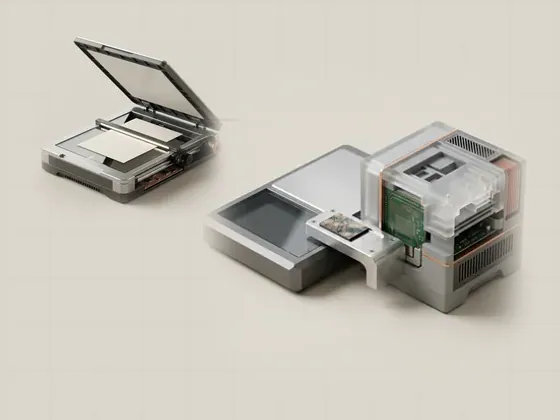
Windows Image Acquisition
Windows Image Acquisition, or WIA, is an operating-system framework for communicating with imaging equipment such as scanners. It provides a common way for…
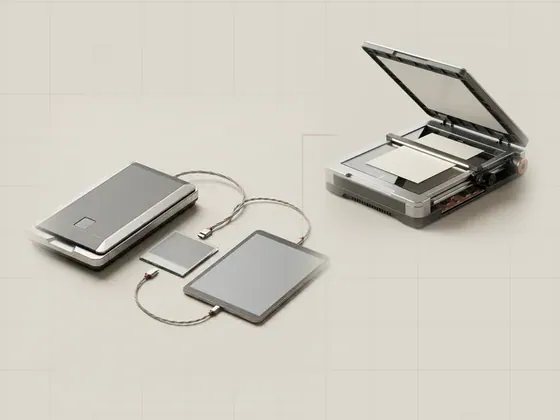
TWAIN and acquisition applications
TWAIN defines an interface used by imaging applications and data sources to exchange acquisition requests and image data. It is distinct from a USB…
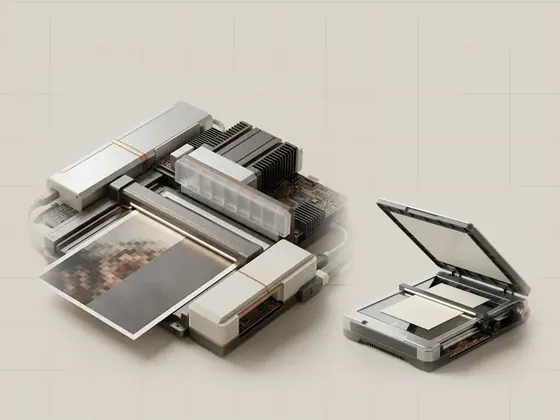
Optical and interpolated resolution
Scan resolution describes how densely an image is sampled. Optical resolution reflects the acquisition system's real sampling capability, whereas…
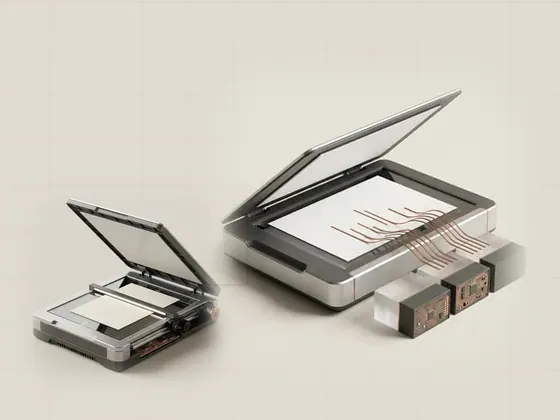
From a scanned image to text
Optical character recognition, or OCR, analyzes an image to estimate which letters, words, and layout elements it contains. It is a software interpretation…