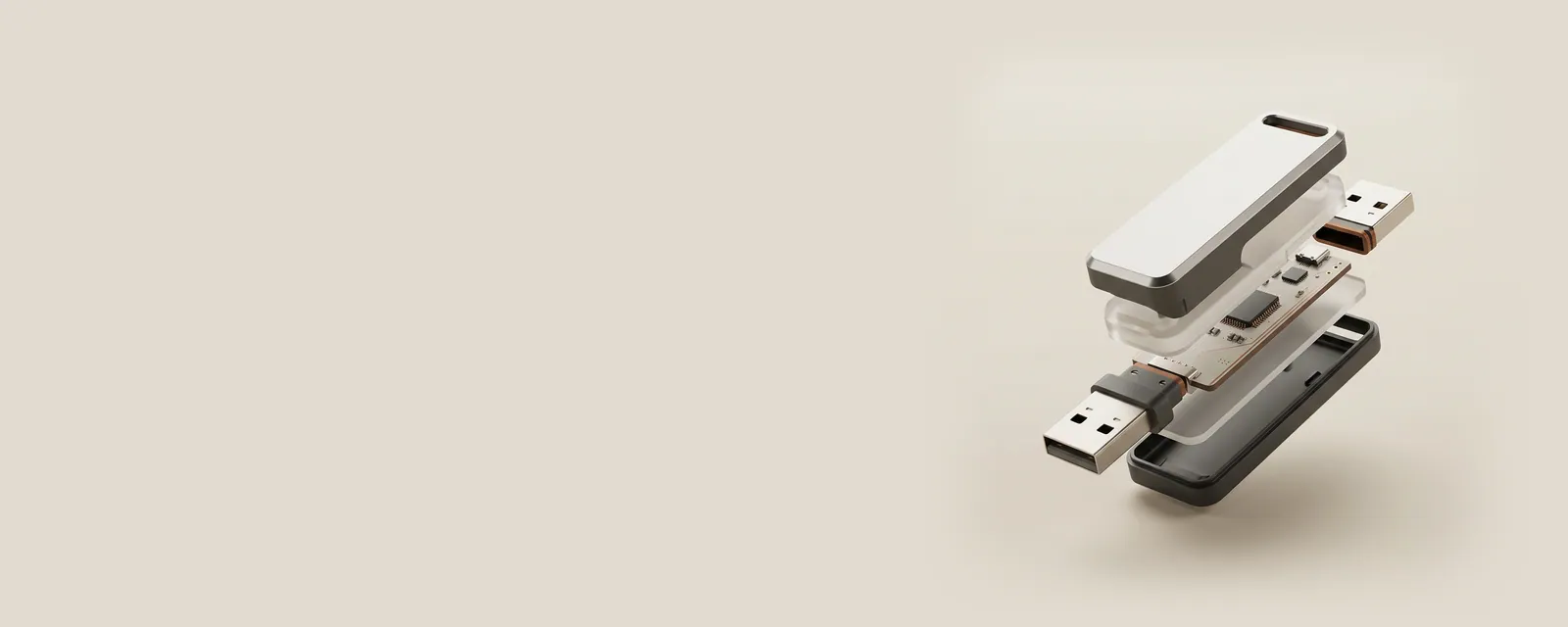
A USB device reports structured information so the host can identify its functions and decide how to communicate with them. This description has several levels, each with a different role.
The bigger picture
A device can contain configurations, interfaces, and endpoints rather than one undifferentiated stream. Class information can describe a common function such as input or audio, while vendor-specific interfaces require their own documented interpretation. The operating system uses the reported structure to connect appropriate software with each exposed function. Interface descriptions can change when an accessory selects a different supported configuration.
The visible product name is a convenience for people; it is not a complete substitute for this structure. A multifunction accessory can create several inventory entries without being several separate physical products. These references explain the hierarchy and its limits so a descriptor, identifier, or endpoint is not mistaken for a retail specification, a serial number, or an electrical connector.
USB & Peripherals
Note these before you change anything
Useful facts to have to hand while reading about how usb describes a peripheral.
- Which port the device was in, and whether a hub is involved
- The device's name and status in Device Manager
- Power management settings on USB root hubs
- Any companion software the device relies on
USB & Peripherals: Input from a device (output devices run the other way)
- Devicekeyboard, mouse or pad
- Port or hubphysical connection
- Host controllermanages the bus
- Class driverfor example HID
- Applicationreceives the input
Pages in How USB describes a peripheral
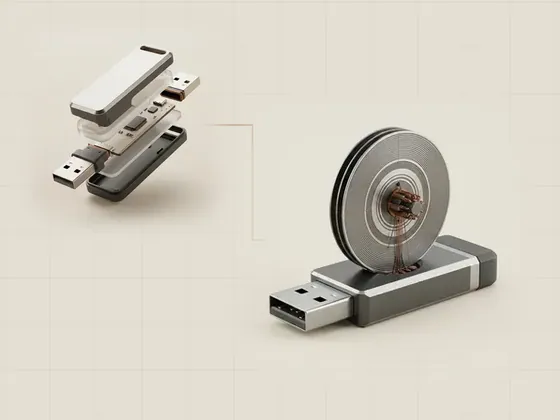
USB descriptors and capability reporting
USB descriptors are structured records that describe a device and the communication arrangements it supports. They let a host learn about interfaces and…
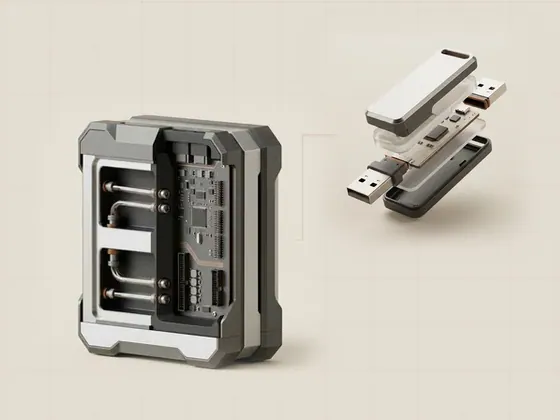
USB interfaces and endpoints
An interface groups a device function, while an endpoint provides a communication channel within the USB model. Neither term should automatically be…
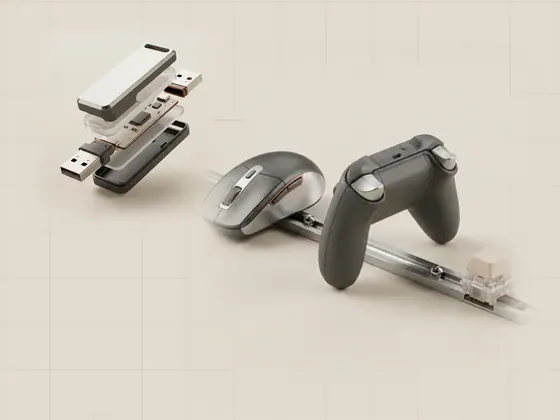
Human Interface Device classes
The Human Interface Device class, often called HID, supplies a framework for reporting controls and input data. Keyboards and pointing devices are familiar…
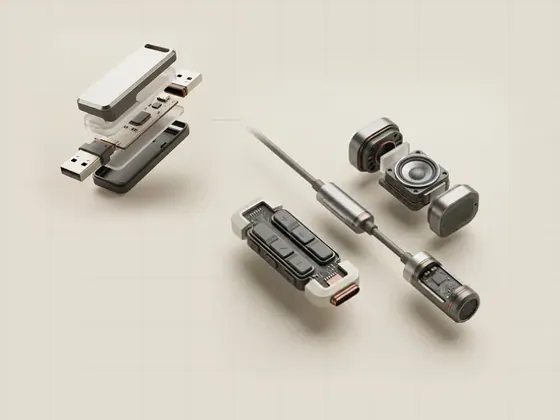
Composite USB devices
A composite USB device exposes more than one function through a single device connection. The operating system can manage those functions separately while…