A monitor receives a timed signal with an agreed format. The available choices depend on the source, the receiving display, and everything between them, including cables, adapters, and docking hardware.
The bigger picture
Capability information helps the source discover which signal arrangements a destination describes. Link negotiation then selects an operating mode supported by the complete path. Resolution, refresh rate, and color representation interact because each changes how much information must be transmitted. A change in one setting can consequently affect which other choices remain available.
Physical panel characteristics are another layer. A source can send a supported signal without changing the panel's native pixel grid or response behavior. The following references distinguish timing, reported capabilities, color information, and connection limits. They are intended for reading settings and specifications, not for recommending custom signal timings or overrides beyond the manufacturer's documented operating range.
Display & Graphics
Note these before you change anything
Useful facts to have to hand while reading about display signals and monitor information.
- Current driver version and date from the adapter's Driver tab
- Resolution, refresh rate and scaling for each monitor
- Which port and cable each display uses
- Any per-application graphics settings you changed
Display & Graphics: Drawing a frame (output)
- Applicationrequests drawing
- Graphics APIfor example DirectX or Vulkan
- Display driveruser and kernel parts
- GPUrenders the frame
- Monitorover the display cable
Pages in Display signals and monitor information
EDID and reported display capabilities
Extended Display Identification Data, or EDID, is information a display can provide about itself and its supported signal modes. It helps a source choose…
Refresh rate and frame delivery
Refresh rate describes how often a display updates its image over time. An application's frame rate describes how often it produces new frames; the two…
Color depth and signal representation
Color depth describes the precision used to represent color values, while color space describes how those values relate to colors. These are separate…
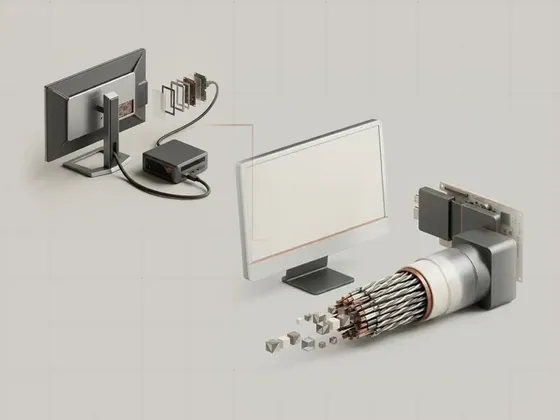
Bandwidth across a display connection
A display connection has a finite capacity for carrying image and related data. The usable mode depends on the complete route rather than only on the…