
A portable system changes state throughout the day as power sources, accessories, and displays come and go. Those transitions rely on coordinated policies rather than one isolated component making every decision.
The bigger picture
The operating system balances responsiveness, available power, and the requirements of running applications. Hardware must report its capabilities, firmware must describe platform relationships, and individual components must provide device assistance for the requested transitions. A battery percentage or sleep label summarizes this coordination but does not reveal every part that contributes to it. Connected accessories can also participate in those transitions through their power states that receive device assistance.
Docking adds another changing set of relationships. Display signals, USB data, network connectivity, and charging can share a physical connector while using different protocols and limits. Read the following topics as explanations of those boundaries, not as recommendations to change power-management settings. Exact compatibility depends on the combination of computer, cable, dock, connected equipment, and operating-system device assistance.
Laptops
Note these before you change anything
Useful facts to have to hand while reading about power, sleep and docking.
- Exact model and variant code from the underside label
- Firmware version
- The maker's driver package versions
- Which functions fail: hotkeys, touchpad gestures, sleep
Laptops: Selected laptop-specific layers
- Operating systempower and input
- Platform drivershotkeys, sensors, power
- Embedded controllerbattery and fans
- Integrated devicestouchpad, camera, keyboard
- Docks and portsUSB-C and similar
Pages in Power, sleep and docking
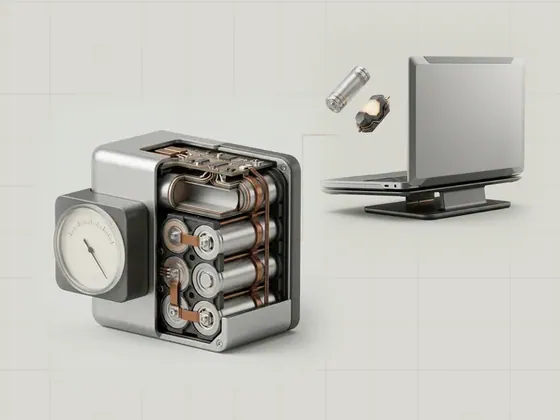
How battery information is reported
The battery information shown by an operating system comes from measurements and estimates supplied through the platform. Percentage, charging state, and…
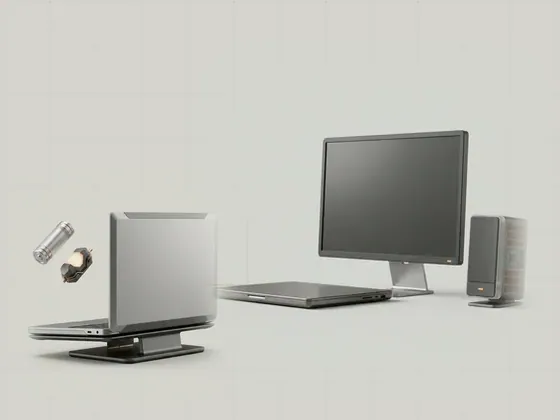
Sleep states and device participation
Sleep reduces a computer's activity while preserving a path back to use. Different platforms provide device assistance for different low-power arrangements…
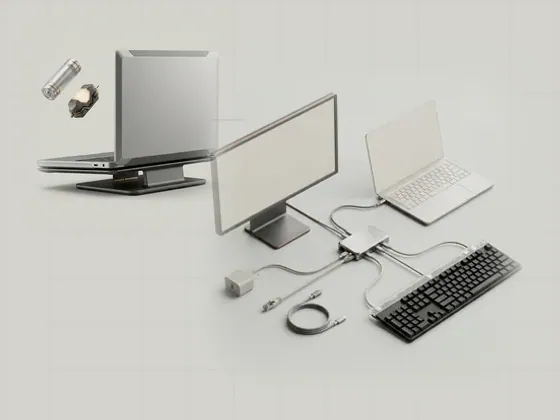
USB-C docks and multiple functions
A USB-C dock can combine several functions behind one connector, including USB expansion, display output, networking, and charging. The connector's shape…
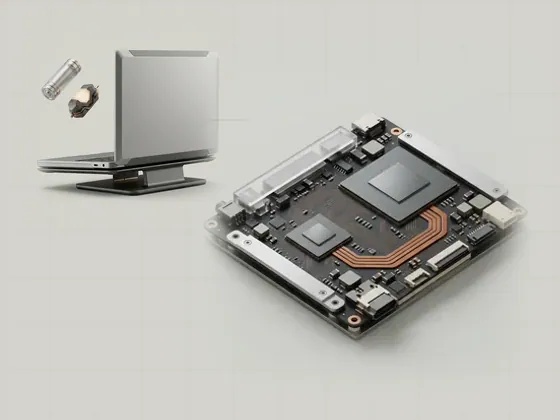
Hybrid graphics in portable systems
Hybrid graphics systems contain more than one graphics processor and coordinate how applications use them. The processor that renders an image is not always…