A concise reading overview: the essentials of this driver type on one page. The full setup, troubleshooting and update guides apply here too.
What this section covers
Storage controllers, disks and volumes. This concise reading overview identifies the layers to examine and links to relevant inspection guides. It does not replace model-specific instructions or establish which package your own device requires.
What to distinguish in storage & disk
A disk, a storage controller, a partition and a mounted volume describe different layers. Driver details for one layer do not diagnose the health of the entire storage device. Firmware updates and partition changes are separate decisions with their own risks. Do not initialize an unfamiliar disk or format a volume just to make its status look simpler.
Before changing storage & disk configuration
For storage & disk, start with the connected hardware and its current operating-system version. Inspect the relevant built-in device information, then write down the actual symptom and any recent change. A warning symbol, an unfamiliar package name or an older-looking date is not enough to choose a replacement. The linked reading explains checks you can make without treating a visible label as a diagnosis.
Any storage & disk update or removal can affect functions you are using. Read the applicable manufacturer procedure and recovery requirements before making that change. On a managed system, ask the administrator about policy instead of forcing an unavailable setting.
Storage
Check the simple causes too
Built-in NVMe and AHCI drivers suit many systems; RAID setups usually need the controller or motherboard maker's driver.
- Loose or faulty cables, insufficient power, a changed controller mode, a full drive, or a failing disk.
- Clicking noises or rising error counts in health readouts call for a backup first.
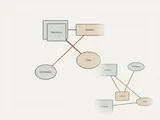
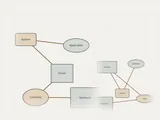
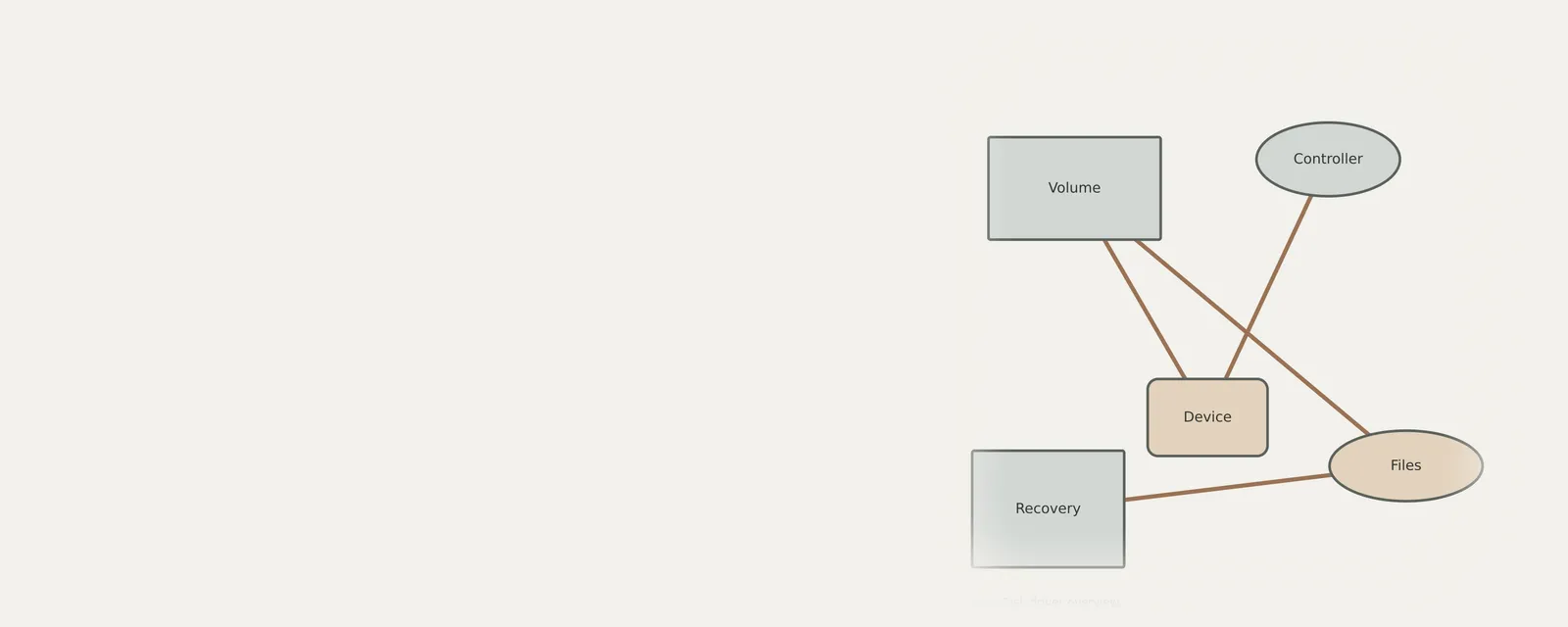
Storage: Reading and writing data
- File systemfiles and folders
- Storage stackvolumes and partitions
- Controller driverNVMe, AHCI or RAID
- Controlleron the board or a card
- DriveSSD or HDD
Field notes
Storage & Disk driver overview: field notes
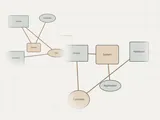
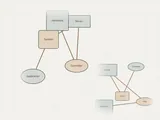
Storage: Reading and writing data
- File systemfiles and folders
- Storage stackvolumes and partitions
- Controller driverNVMe, AHCI or RAID
- Controlleron the board or a card
- DriveSSD or HDD
Write these down first
- A current backup before any change
- Controller mode in firmware: AHCI, RAID or NVMe
- Storage controller driver name and version
- Drive health shown by the maker's own diagnostics
Clues, not a diagnosis
Might involve the driver: A drive visible in firmware but missing during installation, or slower transfers after a controller driver change.
Check these too: Loose or faulty cables, insufficient power, a changed controller mode, a full drive, or a failing disk. Clicking noises or rising error counts in health readouts call for a backup first.
Where updates usually come from
Built-in NVMe and AHCI drivers suit many systems; RAID setups usually need the controller or motherboard maker's driver.
Keep reading