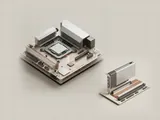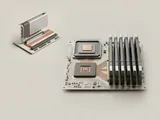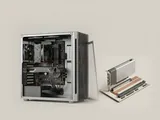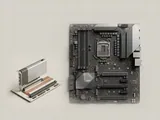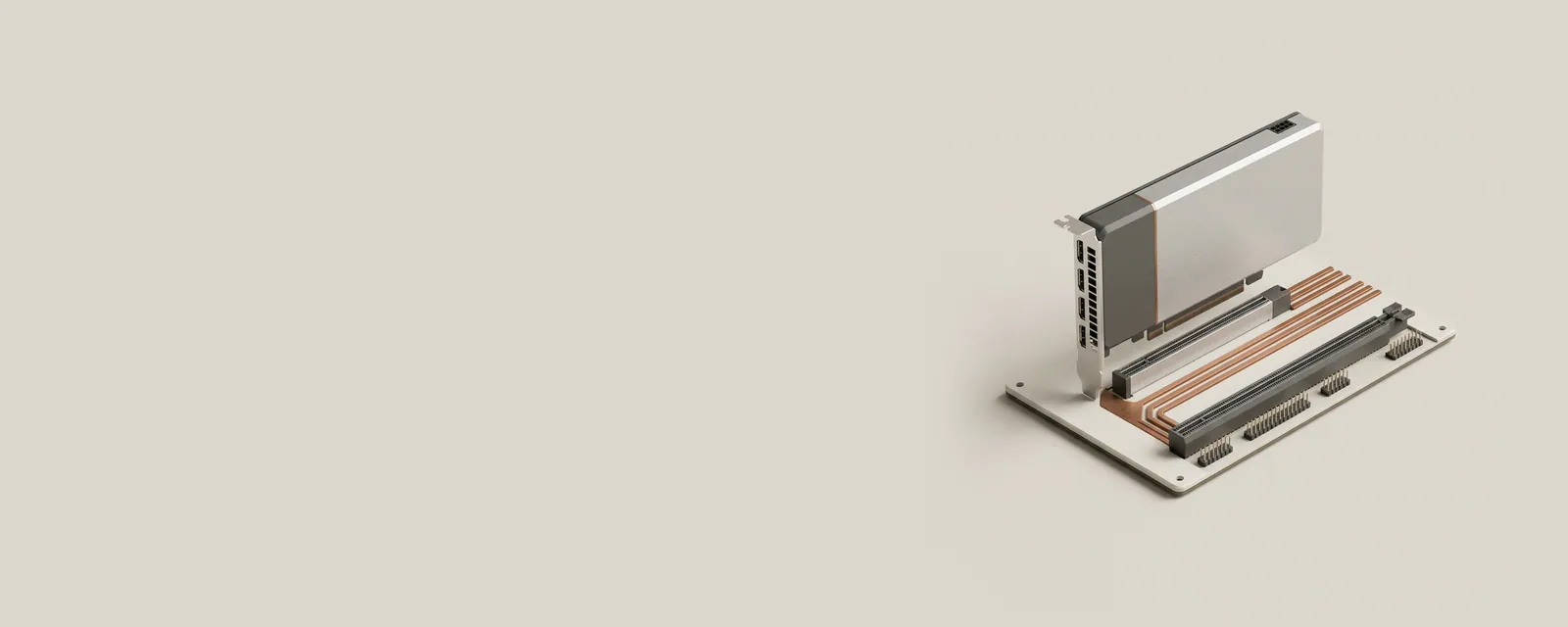
PCI Express is a high-speed interconnect used by many internal components. It carries structured transactions over serial links, giving graphics, storage, and other controllers a common way to communicate with the rest of the platform.
How the pieces connect
A link consists of one or more lanes, and each generation defines signaling capabilities. The endpoints negotiate operation supported by the complete connection. Mechanical slot size, electrical lane count, and the generation actually in use are separate facts. Bridges and switches can create a hierarchy rather than a single flat collection of equally connected devices.
An everyday example
A storage adapter may fit a long expansion slot while using fewer lanes than the connector can physically accommodate. An integrated controller may also appear in the PCI hierarchy without occupying any removable slot. Both cases are normal consequences of how the board routes its electrical connections and how firmware reports them to the operating system.
Reading the information in context
A headline transfer rate describes a link, not the total performance of a workload. Protocol overhead, controller behavior, memory traffic, and the storage medium can impose other limits. Reading a device's connection capabilities is useful context, but changing platform settings without model-specific documentation is outside this reference. Consult the system maker when comparing supported expansion configurations.
Computer & System
Note these before you change anything
Useful facts to have to hand while reading about pci express connections.
- Motherboard or computer model and firmware version
- Chipset driver package version
- Any firmware settings changed from defaults
- Unknown devices listed in Device Manager
Computer & System: One selected path: a device on a chipset bus
- Operating systemmanages devices
- Chipset driversidentify buses and power features
- ChipsetPCIe, USB and SATA links
- Firmware (UEFI)initialises hardware at start-up
- Attached deviceson those links