A rollback returns an affected device to an available prior driver package. It can be a useful comparison when a symptom began after a specific change, but timing alone does not prove the cause. Windows may not offer a prior version, and permissions or policy can also limit the action. Before proceeding, record the current state and prepare a usable recovery route. This guide separates the decision to try a rollback from the steps and limitations of the operation.
Identifying the correlation between recent changes and device behavior
The first step in addressing hardware issues involves establishing a clear temporal link between a modification and the onset of symptoms. When a peripheral stops functioning correctly or exhibits visual glitches, reflecting on recent interface modifications helps isolate the cause. Often, users assume that general system changes are responsible, but specific hardware communication modules are frequently the culprits. By observing the timing, you can determine if the issues coincided with a specific configuration change or a manual interaction within the management interfaces.
Establishing this timeline requires attention to detail regarding when the device was last operational. If the hardware functioned normally before a particular change, the focus remains on reversing that specific action. This observational phase prevents unnecessary broad adjustments that could introduce further variables. Correlating the symptoms with recent actions allows for a controlled approach to rectification, ensuring that any modifications made to resolve the problem are grounded in evidence rather than speculative troubleshooting or broad system-wide alterations.
Executing a controlled reversal of hardware interface modifications
When you have identified a problematic module change, the primary method for reversal involves accessing the management interface to initiate a rollback. This functionality is designed to swap the active module with the previous version stored locally on the storage drive. Because this action alters the system state, it is essential to ensure that you have administrative access. Administrative permission may be required, and a managed policy can block the operation even when a control is visible.
Once initiated, the system replaces the currently active module with the prior version. If the rollback button appears disabled, it indicates that no previous version is available within the local repository or that the current state was initialized from a fresh installation. In such instances, the system lacks the necessary previous files to complete the request. Recognizing these limitations is vital, as it prevents prolonged attempts to force a change where the internal record of the previous module state does not exist for the hardware.
- Open the hardware management interface by right-clicking the start menu button.
- Select the specific device experiencing issues from the list.
- Right-click the device and choose properties to open the configuration window.
- Navigate to the tab specifically labeled for internal communication modules.
- Click the button that initiates the reversal of the module version.
- Select a reason for the rollback and confirm the action to proceed.
Managing conditions when direct reversal options are unavailable
There are scenarios where the internal management interface does not provide a rollback option for a particular component. This frequently occurs when the currently active module is the only version stored on the disk, or when the system has been refreshed or installed recently. In these cases, the traditional rollback pathway is effectively closed because the required preceding state is absent. Understanding this restriction is crucial to avoid wasting time searching for non-existent local files that the system cannot access or retrieve.
When direct reversal is blocked, the focus shifts to manual identification of a stable version. This involves searching for the specific hardware identifier to locate a reliable package from the manufacturer's resource areas. Once a stable package is identified, it must be applied manually. This process is more complex than a standard rollback as it requires removing the current, non-functional module before the stable one can be initialized. Matching the prior package requires more than a version number: compare the documented model, system and architecture requirements.
Understanding state changes and recovery precautions
Every time you remove, roll back, or install a new communication module, the internal state of the operating environment changes. These actions directly impact how the operating system interacts with the physical components. Because these modifications occur at a fundamental level, there is always a risk that a transition could result in temporary instability. Taking precautions before performing these tasks, such as noting the current state or ensuring critical work is saved, is essential to minimize the risk of data loss during any interruption.
It is important to recognize that these changes are not trivial background operations. They involve modifying the active records that dictate hardware behavior. If a process fails mid-way, the component might enter an unresponsive state. In such cases, having a recovery path, such as knowing how to reach a basic environment or having records of previous successful configurations, is highly recommended. Prepare a usable recovery route before changing the active package; awareness alone cannot prevent a failure.
Navigating platform-specific constraints regarding interface management
Not all operating systems provide a uniform way to handle these challenges. While some environments feature built-in tools for swapping module versions, others lack a universal, direct rollback mechanism. In environments lacking native rollback tools, the system treats hardware communication modules as standalone entities. If an issue occurs, the user is typically required to remove the current module manually and then search for an alternative version. This lack of a standardized rollback button highlights the differences in how various platforms manage their internal hardware databases.
Users on platforms without native reversal features must rely on manual management and careful record-keeping. This requires being diligent about documenting which versions were installed and when. By keeping a log of previous module states and their performance, you create a manual substitute for the automated tools found elsewhere. This hands-on method, while more labor-intensive, provides granular control over the software stack, allowing you to curate the specific versions that perform best with your hardware, regardless of the platform's native management capabilities.
Display & Graphics
Note these before you change anything
Useful facts to have to hand while reading about rolling back a recently changed driver.
- Current driver version and date from the adapter's Driver tab
- Resolution, refresh rate and scaling for each monitor
- Which port and cable each display uses
- Any per-application graphics settings you changed
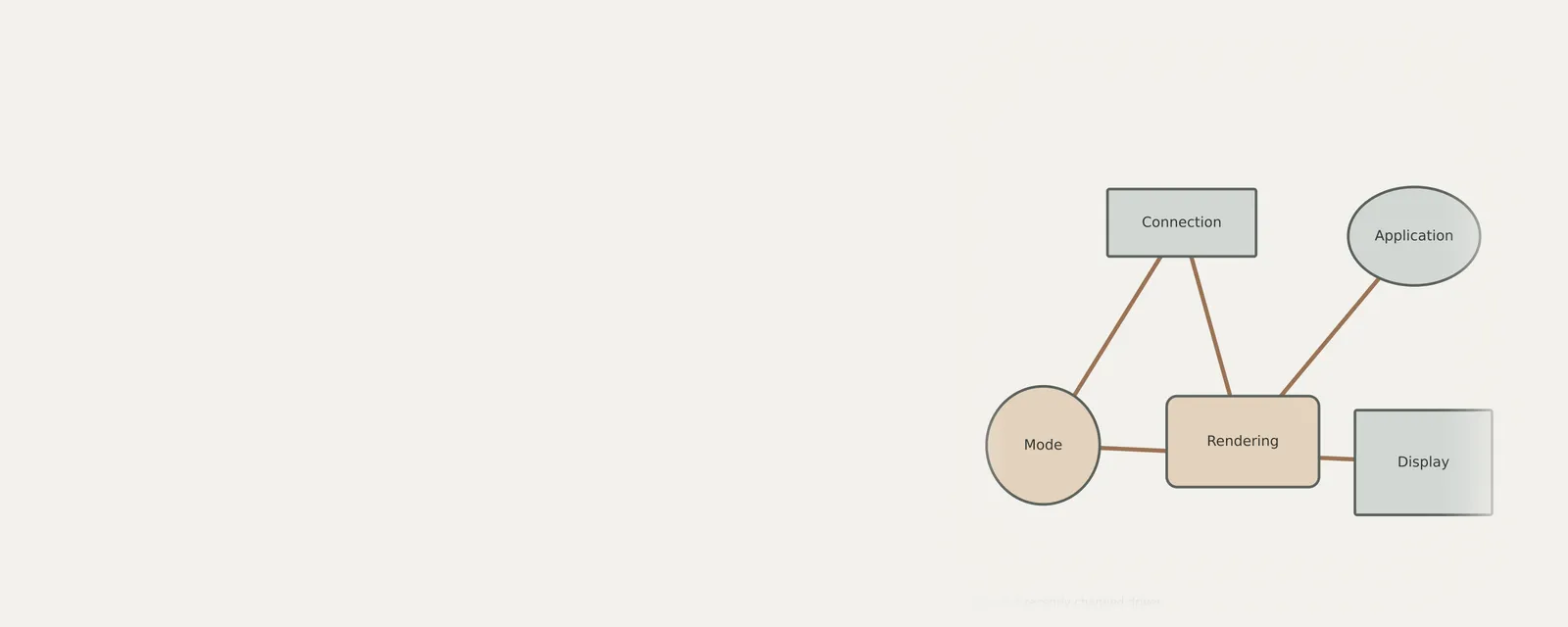
Display & Graphics: Drawing a frame (output)
- Applicationrequests drawing
- Graphics APIfor example DirectX or Vulkan
- Display driveruser and kernel parts
- GPUrenders the frame
- Monitorover the display cable
Frequently asked questions
Why is the option to roll back my driver greyed out in the interface?
The rollback option remains unavailable if no previous version of the module exists in your local storage. This occurs if the system was recently installed or if the current version was the first one applied to the hardware. Without a prior file set, the system cannot revert to a previous state.
Can I use an automated tool to find a previous version of my driver?
The interface provided in the management window does not function as an online repository search. It specifically looks for local files that were previously in use. If a previous version is not stored locally on your machine, you must manually acquire the correct package from the manufacturer's resources.
Does rolling back a driver affect the entire operating system?
Rolling back a module is a targeted action focused on a single hardware component. It does not reset your entire system, delete personal documents, or alter your user settings. However, because it changes the communication state for a device, it is always wise to save open projects before proceeding.
Are there equivalent rollback features for hardware drivers on all operating systems?
No. Different operating systems manage hardware communication in distinct ways. While some provide a direct button to reverse a version change within the interface, others do not offer a native, universal rollback mechanism, requiring manual removal and reinstallation processes to switch between different versions of a hardware communication module.