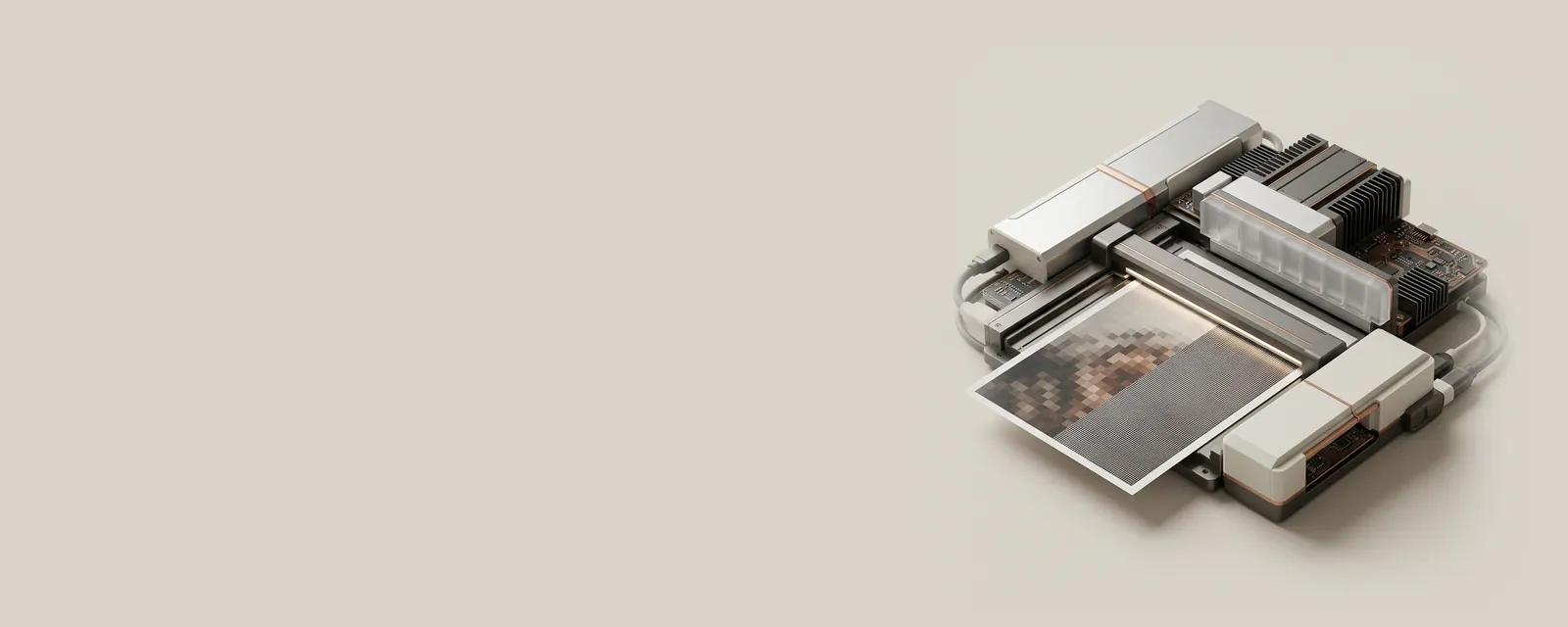
Scan resolution describes how densely an image is sampled. Optical resolution reflects the acquisition system's real sampling capability, whereas interpolated resolution adds calculated samples after capture and does not recover detail the sensor never recorded.
How the pieces connect
An image has both sampling density and a physical area. Increasing samples per inch across the same area raises the pixel dimensions, often substantially increasing memory use and file size. Color depth, compression, and the chosen file format then influence storage further. A larger resulting file is not, by itself, proof of more useful captured information.
An everyday example
A small printed photograph and a page of ordinary text serve different purposes. Fine image detail may benefit from denser acquisition, while a readable document archive may prioritize manageable size. Enlarging a low-detail source through interpolation produces more pixels but cannot recreate the original edges or texture that were absent from the captured samples.
Reading the information in context
Resolution figures should be interpreted with the model's optical specifications and the intended output size. Feeder and flatbed paths can have different limits. Software sharpening can also change appearance without changing real sampling. Rather than choosing the largest displayed number automatically, understand which number represents the hardware and which represents later processing of the image.
Printers & Scanners
Note these before you change anything
Useful facts to have to hand while reading about optical and interpolated resolution.
- Printer queue name and the port it uses
- Driver name: a built-in class driver or the maker's
- Whether the printer is reached by USB, IP address or name
- Default paper size and tray
Printers & Scanners: One common printing path (scanning runs the other way)
- Applicationsends a print job
- Print systemqueues and renders
- Printer driverbuilt-in class or vendor
- ConnectionUSB or network
- Printerproduces the page