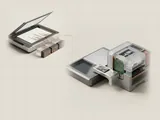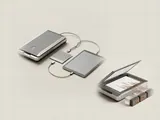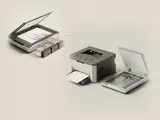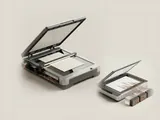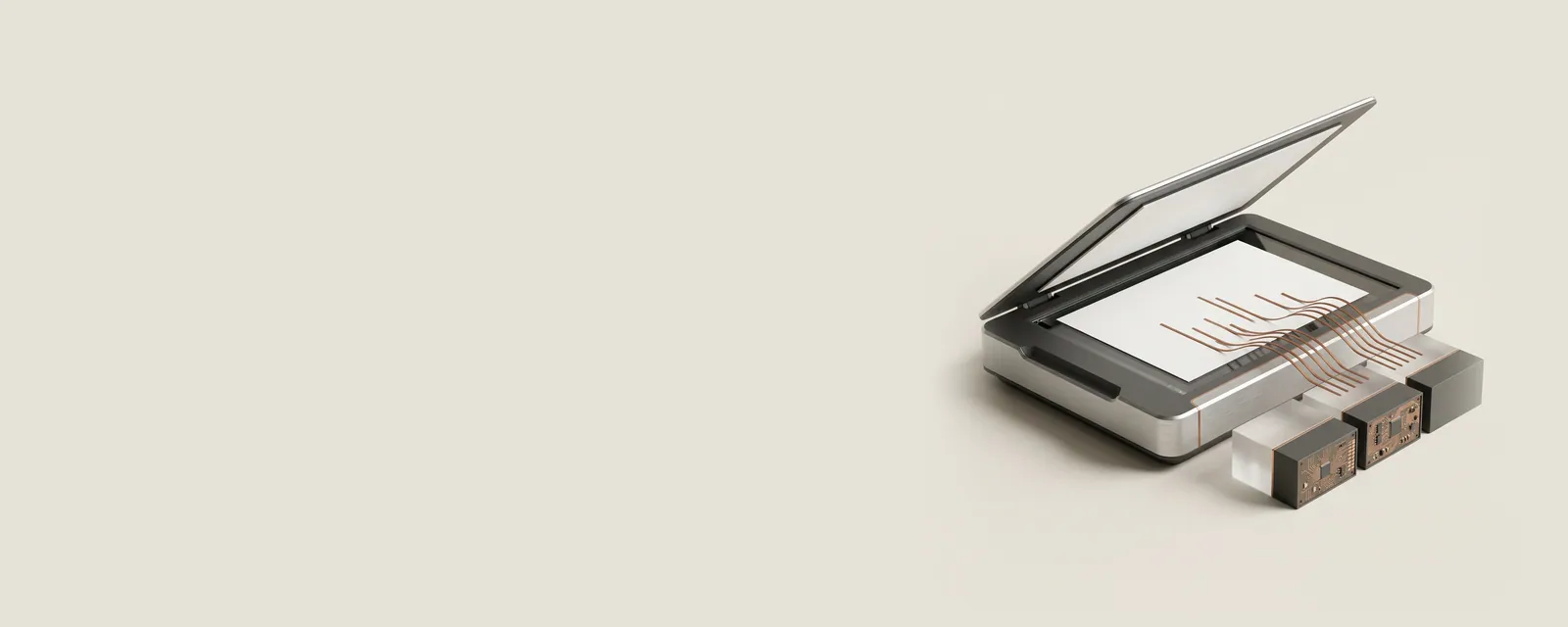
Optical character recognition, or OCR, analyzes an image to estimate which letters, words, and layout elements it contains. It is a software interpretation step after capture, not the same process as measuring the page with a scanner.
How the pieces connect
Recognition systems examine visual patterns and may use language information to choose between similar characters. Their output can be plain text, positioned text within a document, or a searchable layer associated with an image. The scanner supplies samples; the recognition application decides how to interpret those samples and represent the result.
An everyday example
A scanned invoice can look readable to a person while containing an incorrect digit in its searchable text layer. A faint mark, unusual typeface, skewed page, or table border can affect recognition. Searching the document and selecting text may therefore reveal a different representation from the page image that is actually displayed.
Reading the information in context
Always review recognized content before relying on amounts, identifiers, or other important details. Some applications process locally, while others send documents to a service; their privacy practices are separate from the acquisition hardware. driversoftguide does not accept document uploads or perform recognition. Its library explains the distinction so readers can evaluate the features of their own applications.
Printers & Scanners
Note these before you change anything
Useful facts to have to hand while reading about from a scanned image to text.
- Printer queue name and the port it uses
- Driver name: a built-in class driver or the maker's
- Whether the printer is reached by USB, IP address or name
- Default paper size and tray
Printers & Scanners: One common printing path (scanning runs the other way)
- Applicationsends a print job
- Print systemqueues and renders
- Printer driverbuilt-in class or vendor
- ConnectionUSB or network
- Printerproduces the page