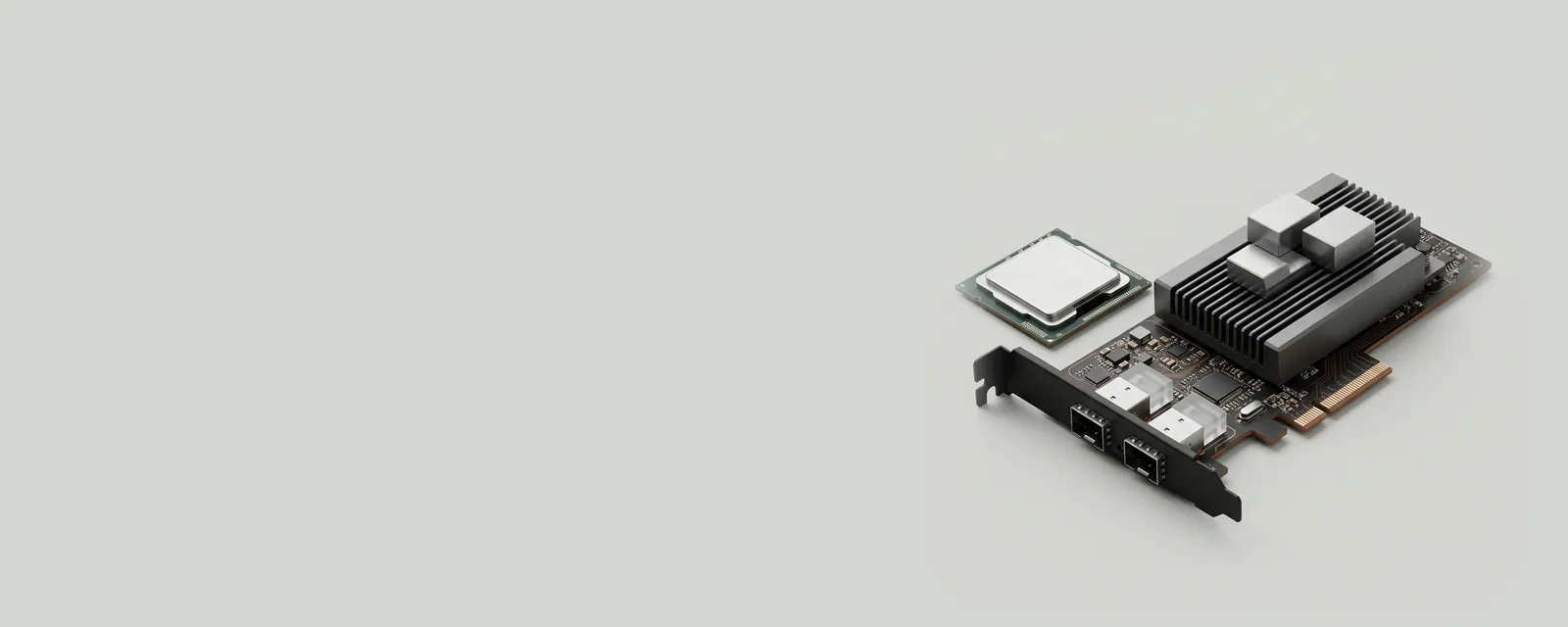
A network offload moves a supported task from general operating-system processing into adapter hardware or another specialized path. The purpose is to divide work efficiently, not to eliminate the need for software coordination.
How the pieces connect
Examples can involve checksum calculation, segmentation, or receive processing. The operating system and adapter agree on the supported mechanism and arrange data accordingly. Benefits and tradeoffs depend on workload, hardware implementation, and the surrounding stack. An offload label describes a capability or configured path rather than an unconditional performance improvement.
An everyday example
Large application transfers can be organized differently from the small packets seen on a physical link. Some processing may happen after the operating system hands data to the adapter. An observation tool at one boundary can therefore report a representation that differs from the final transmitted units without either view being inherently incorrect.
Reading the information in context
Advanced-property names vary across products, and a setting should not be changed solely because an unfamiliar acronym appears in a list. Filters, virtualization, and application demands can alter the relevant context. This conceptual reference does not prescribe tuning values. Consult the adapter maker and the operating-system documentation when an actual configuration decision involves a particular workload.
Network & Wi-Fi
Note these before you change anything
Useful facts to have to hand while reading about network offloads and shared work.
- Adapter name and driver version
- Whether other devices on the same network work
- IP configuration shown in the system's network details
- Power-saving settings on the adapter
Network & Wi-Fi: Sending data (simplified; replies return the same way)
- Applicationopens a connection
- Network stackTCP/IP and name lookup
- Adapter driverWi-Fi or Ethernet
- Network adapterradio or port
- Routerand the wider network