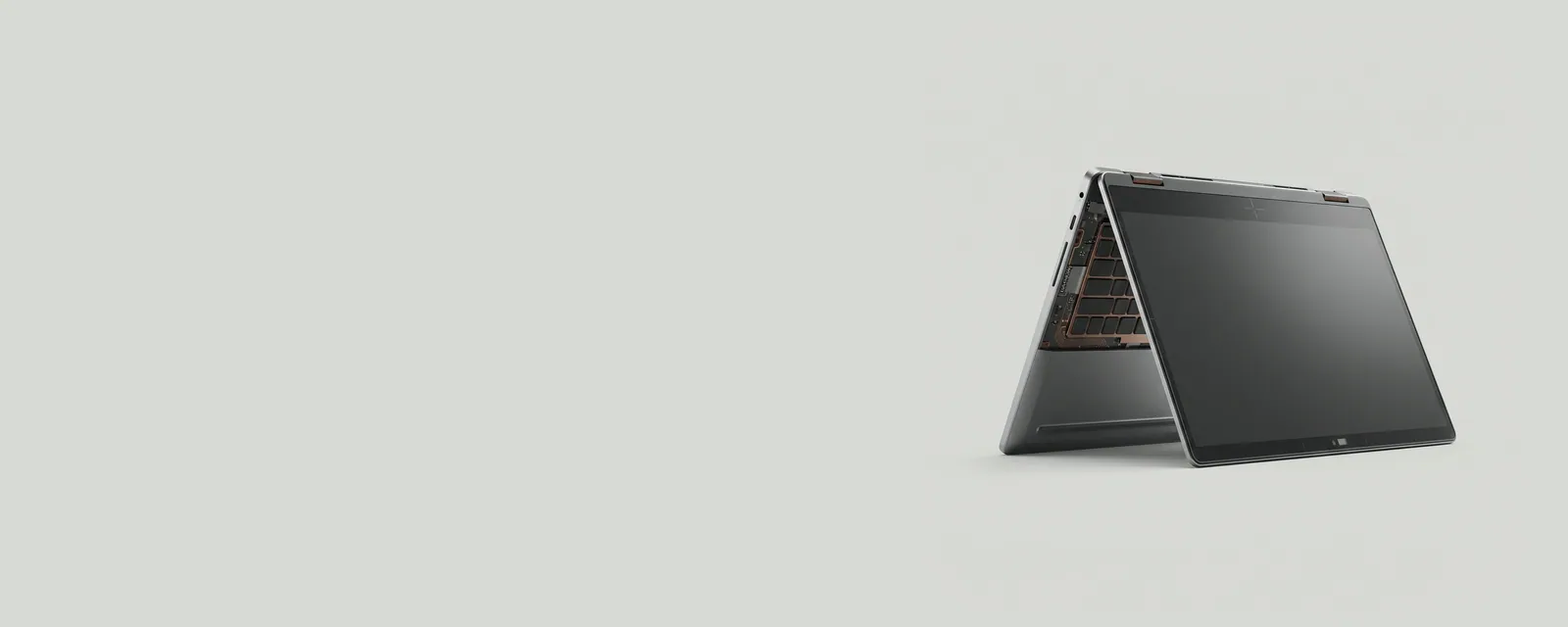
Portable computers can contain sensors for motion, orientation, ambient light, or other contextual information. These measurements let the operating system adapt behavior, but a sensor reading and a user-facing policy are not the same thing.
How the pieces connect
A sensor component reports measurements through an appropriate interface. Software interprets those measurements and combines them with configuration, application requirements, and platform state. Automatic display rotation, for example, depends on more than a single motion value. The hardware must provide device assistance for the relevant measurement and the operating system must decide that rotation is appropriate.
An everyday example
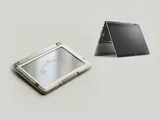
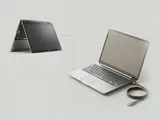
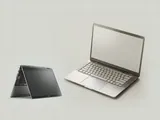
A convertible computer may change its input behavior when the chassis is folded, while an ordinary clamshell model has no reason to expose that arrangement. Ambient-light sensing can similarly influence a brightness policy without replacing the user's selected preferences. The same broad category can therefore contain components with quite different purposes and reporting formats.
Reading the information in context
Not every laptop includes every sensor, and a familiar category name does not establish a missing feature. Manufacturer specifications are the better source for physical capabilities. Do not infer that installing another model's package can add a sensor that is not present. The useful distinction is between measurement hardware, the interface exposing it, and the policy that consumes its readings.
Laptops
Note these before you change anything
Useful facts to have to hand while reading about laptop sensors and orientation.
- Exact model and variant code from the underside label
- Firmware version
- The maker's driver package versions
- Which functions fail: hotkeys, touchpad gestures, sleep
Laptops: Selected laptop-specific layers
- Operating systempower and input
- Platform drivershotkeys, sensors, power
- Embedded controllerbattery and fans
- Integrated devicestouchpad, camera, keyboard
- Docks and portsUSB-C and similar