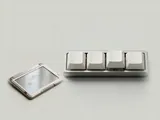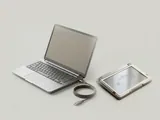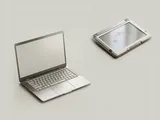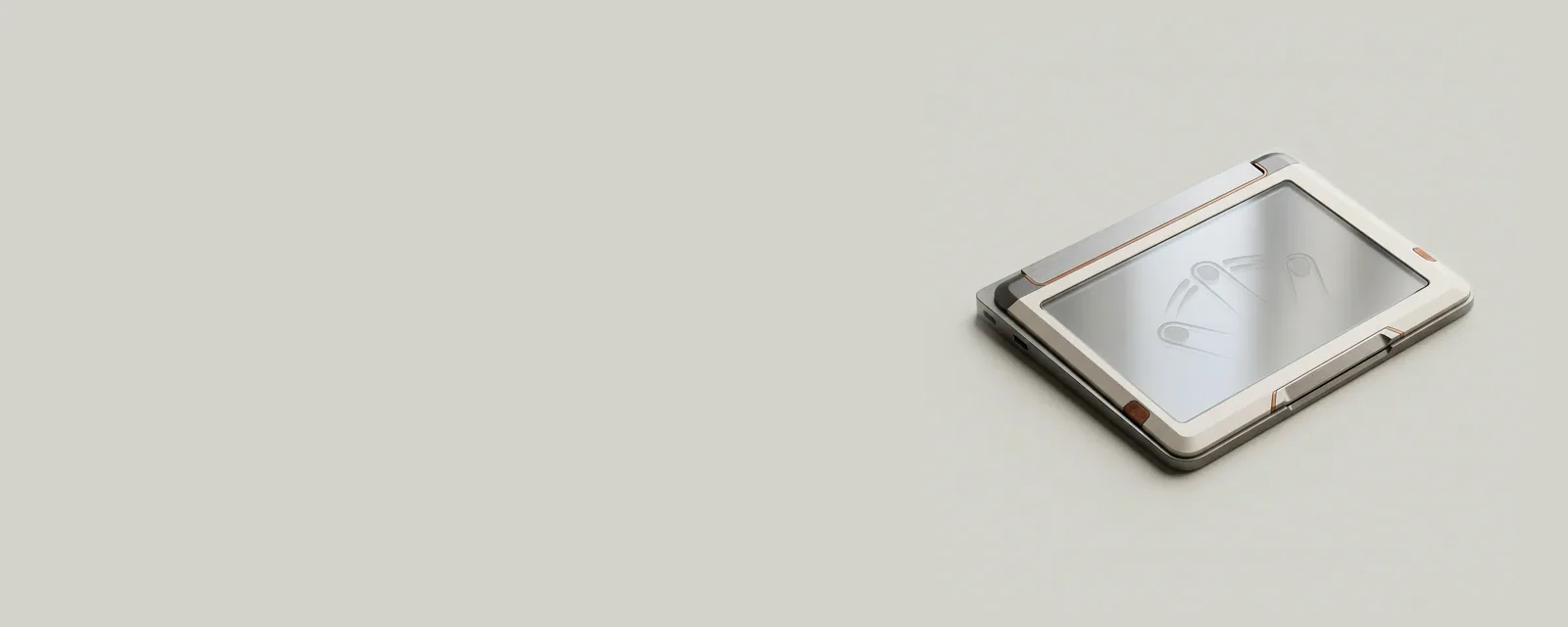
A precision touchpad exposes contact information through an operating-system-defined interface so Windows can interpret gestures consistently. It reports more than a simple mouse movement, allowing the system to reason about fingers, motion, and intended actions.
How the pieces connect
The input path includes the physical sensor, its transport, the reporting format, and the operating system's interpretation. Calibration and hardware design affect the observations available to software. Gesture settings then determine how recognized actions are mapped to navigation or application commands. These layers explain why a settings panel is only one part of the complete behavior.
An everyday example
A two-finger movement can be interpreted as scrolling rather than as two independent pointer movements. A resting palm may be treated differently from an intentional fingertip contact. Those distinctions depend on the data the sensor reports and the policies applied above it, not on an application receiving a separate mouse cursor for every contact.
Reading the information in context
The presence of a touch surface does not establish that it implements the precision interface. Some designs use manufacturer-specific software paths or offer different feature sets. Use the exact model's specifications when comparing capabilities. This explanation does not suggest replacing a working input package with a generic one or changing advanced settings without understanding their documented scope.
Laptops
Note these before you change anything
Useful facts to have to hand while reading about precision touchpad input.
- Exact model and variant code from the underside label
- Firmware version
- The maker's driver package versions
- Which functions fail: hotkeys, touchpad gestures, sleep
Laptops: Selected laptop-specific layers
- Operating systempower and input
- Platform drivershotkeys, sensors, power
- Embedded controllerbattery and fans
- Integrated devicestouchpad, camera, keyboard
- Docks and portsUSB-C and similar