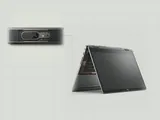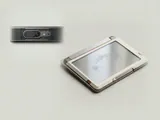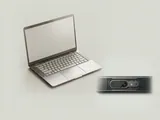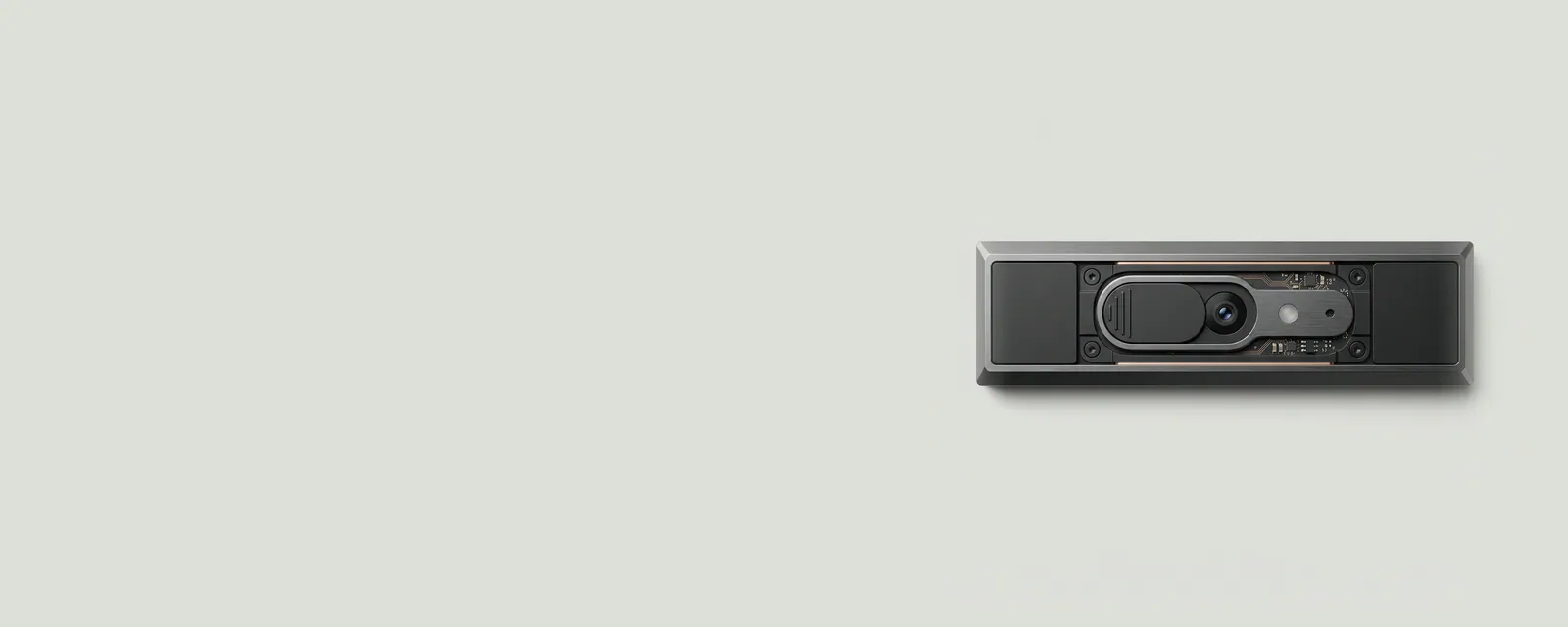
An integrated camera includes an imaging device and a software path that applications can request access to. Device recognition, application permission, and a physical privacy control are distinct conditions that all affect whether video is available.
How the pieces connect
Many built-in cameras use standardized interfaces, although additional sensors or processing features can introduce other components. Windows can enumerate the imaging hardware while restricting access for particular applications. A shutter or hardware privacy switch can impose a separate boundary that software permissions cannot override. The path also depends on which camera an application selects.
An everyday example
A laptop with both a visible-light camera and an infrared sensor may show more than one imaging-related entry. An external webcam adds another candidate. A conferencing application selecting one endpoint does not automatically describe the state of all the others, and a device appearing in an inventory does not prove that every program has access to it.
Reading the information in context
Privacy settings should be understood as intentional controls, not treated as failures to bypass. The site's guides do not ask you to share camera images or enable remote access. For a particular model's shutter, indicator, or sensor behavior, use the manufacturer's reference documentation. Separate the question of whether equipment exists from the question of which software is permitted to use it.
Laptops
Note these before you change anything
Useful facts to have to hand while reading about integrated cameras and permissions.
- Exact model and variant code from the underside label
- Firmware version
- The maker's driver package versions
- Which functions fail: hotkeys, touchpad gestures, sleep
Laptops: Selected laptop-specific layers
- Operating systempower and input
- Platform drivershotkeys, sensors, power
- Embedded controllerbattery and fans
- Integrated devicestouchpad, camera, keyboard
- Docks and portsUSB-C and similar