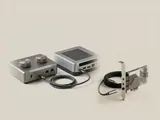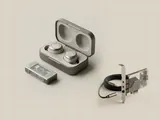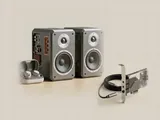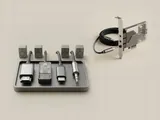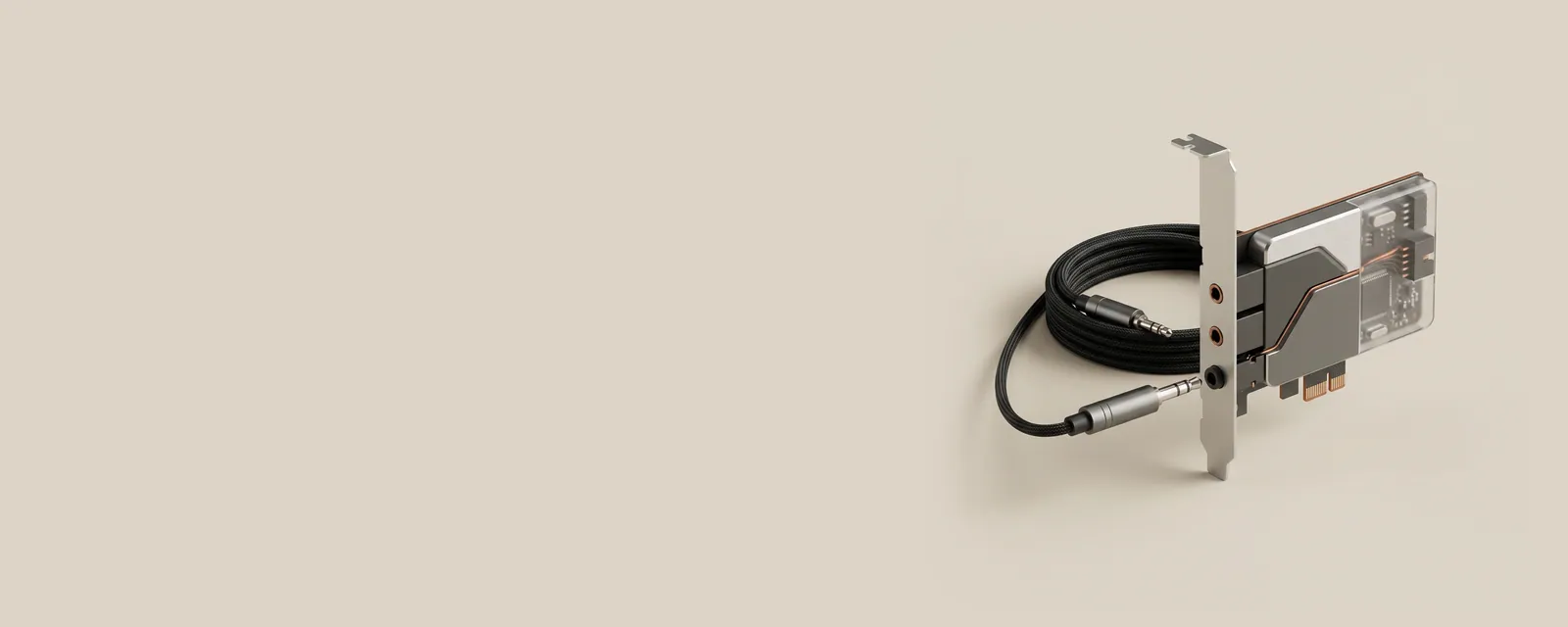
An analog jack carries an electrical signal that represents sound. The conversion between digital samples and that signal happens in an audio codec or related hardware, rather than in the cable itself.
How the pieces connect
Playback uses digital-to-analog conversion, while recording uses analog-to-digital conversion. Jack sensing and configurable routing can tell the system what sort of accessory is attached. Physical connector arrangements vary: separate microphone and headphone sockets differ from combined headset connections, and adapters must match the intended electrical arrangement rather than only the plug diameter.
An everyday example
A headset with one combined plug and a computer with two separate sockets can require an appropriate wiring adapter. The operating system's endpoint list may remain similar even though the physical signal route has changed. Conversely, connecting a USB headset moves conversion into the external accessory and creates a separate digital interface.
Reading the information in context
The word codec can describe hardware conversion or a software coding format in other contexts. Here it refers to the audio component handling the electrical boundary. Connector fit alone does not guarantee microphone compatibility, channel arrangement, or acceptable levels. Consult the equipment's manufacturer documentation and avoid assuming that every similarly shaped socket serves the same purpose.
Audio
Note these before you change anything
Useful facts to have to hand while reading about analog jacks and audio codecs.
- The default playback and recording devices
- Sample rate and bit depth in the device properties
- Enabled enhancements or spatial sound
- Driver name and version, and whether it is a built-in class driver or a vendor one
Audio: Playback (output); recording runs the other way
- Applicationplays a stream
- Audio enginemixes and resamples
- Audio driverbuilt-in class or vendor
- Codec or DACconverts digital to analogue
- Speakers or headphonesanalogue or USB