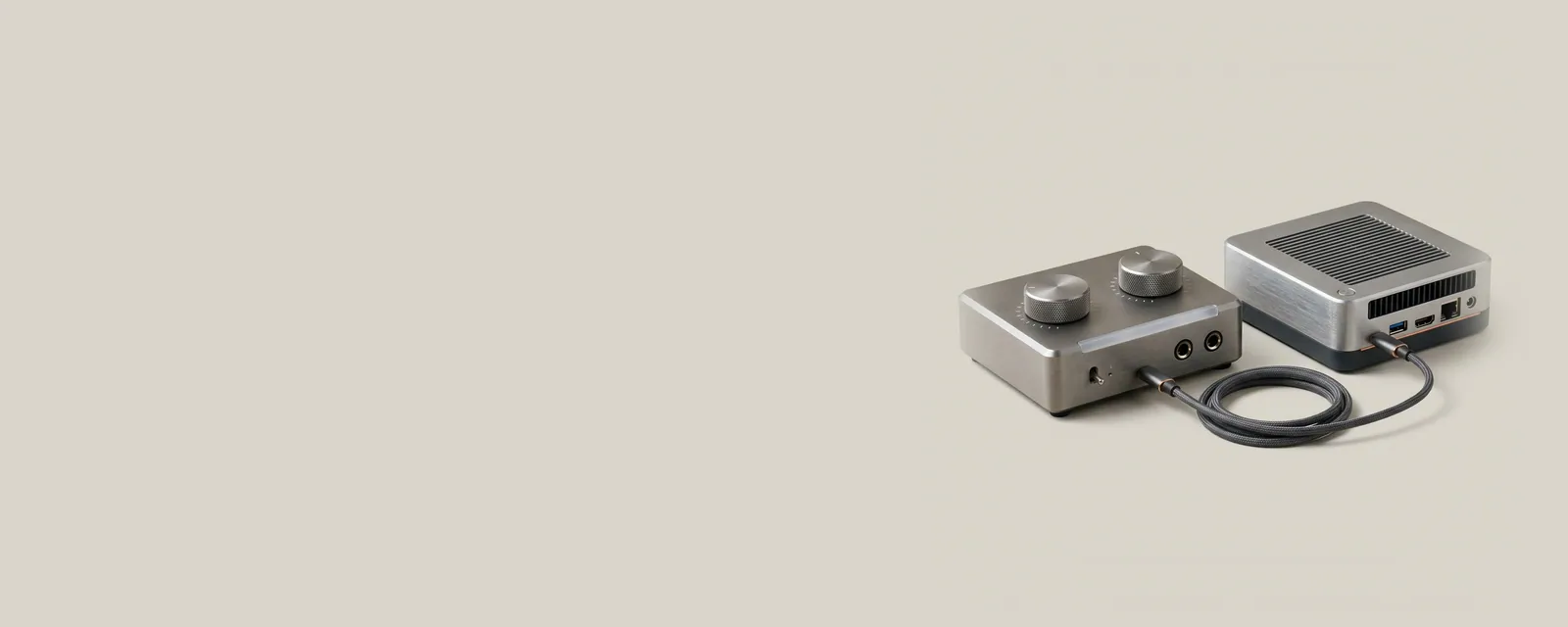
USB audio equipment exchanges digital samples through a standardized class interface or a documented device-specific path. The external unit often performs conversion that would otherwise happen inside the computer.
How the pieces connect
Descriptors identify interfaces, endpoints, and supported arrangements. The host schedules transfers while the audio path coordinates timing with the device. Some equipment implements a class interface usable through operating-system components, while specialized capabilities can require additional software. Class compliance describes an interface relationship, not every feature an accompanying control application might expose.
An everyday example
A compact USB adapter can add both microphone and speaker endpoints to a laptop. A multichannel interface may expose a more elaborate routing arrangement through the same broad class of connection. In each case, the operating system needs to interpret the reported functions rather than treat the entire enclosure as one undifferentiated sound source.
Reading the information in context
Power availability, host compatibility, and the implementation's maintained software formats still matter. A class label should not be taken as a promise about every operating-system release or professional application mode. Check manufacturer documentation for channel layouts and additional controls. This page does not recommend installing a separate utility when the standard path already meets the intended use.
Audio
Note these before you change anything
Useful facts to have to hand while reading about usb audio class connections.
- The default playback and recording devices
- Sample rate and bit depth in the device properties
- Enabled enhancements or spatial sound
- Driver name and version, and whether it is a built-in class driver or a vendor one
Audio: Playback (output); recording runs the other way
- Applicationplays a stream
- Audio enginemixes and resamples
- Audio driverbuilt-in class or vendor
- Codec or DACconverts digital to analogue
- Speakers or headphonesanalogue or USB