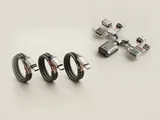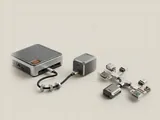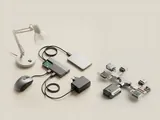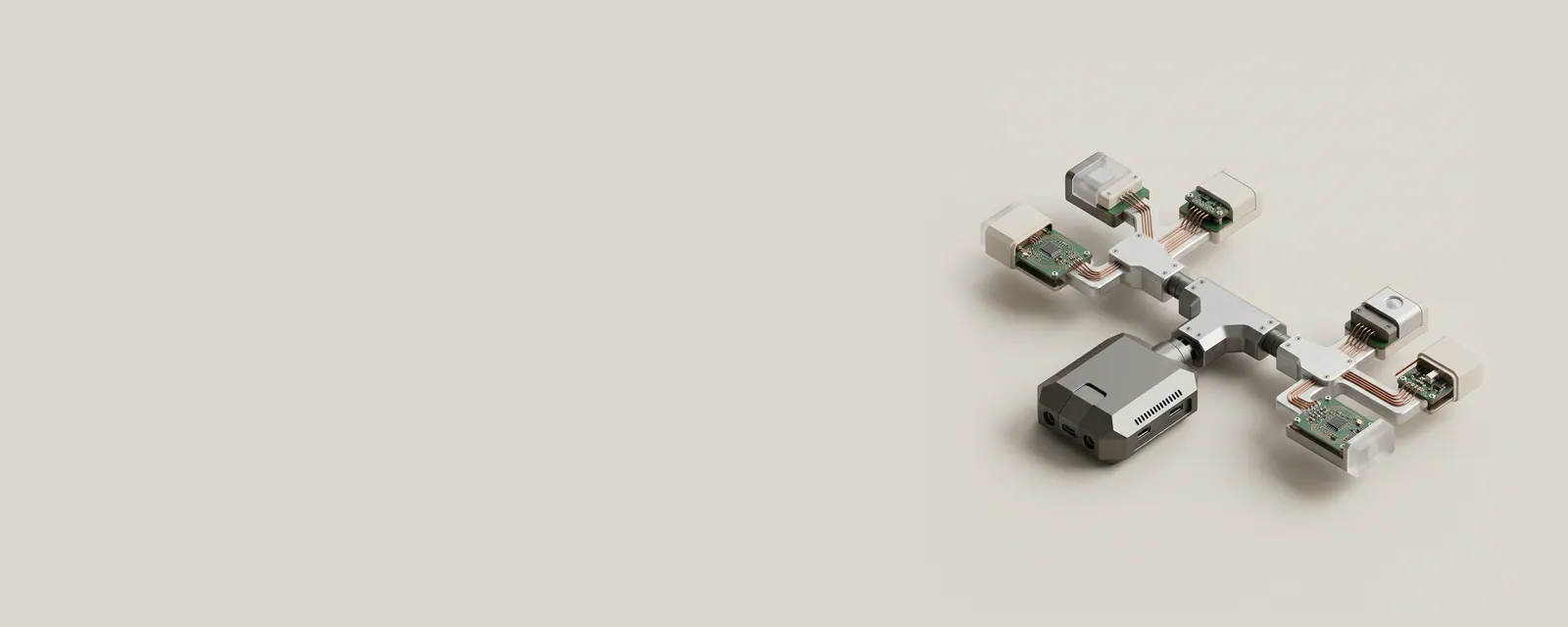
A USB hub adds downstream connection points beneath an upstream path. It helps the host discover and communicate with attached equipment, but it does not give every downstream port an unlimited independent connection to the computer.
How the pieces connect
The host maintains a topology of controllers, root connections, hubs, and devices. Traffic and scheduling must fit within the capabilities of the relevant links. Power distribution is another consideration, especially for equipment drawing energy from the bus. A hub can also appear as an internal component of a monitor, keyboard, or dock rather than as a separate accessory.
An everyday example
Several peripherals connected through a display's built-in hub share its upstream arrangement. Moving one device to another physical port on the computer may or may not place it under a different controller. The device tree describes these relationships more precisely than the spacing of connectors on the case.
Reading the information in context
A larger port count is not by itself a promise of greater total bandwidth or power. Supported speeds and power limits belong to particular parts of the topology. Consult the hub and host documentation for the complete arrangement. This reference does not recommend connecting chains beyond documented limits or changing power policies simply because many entries appear in the inventory.
USB & Peripherals
Note these before you change anything
Useful facts to have to hand while reading about usb hub topology and shared paths.
- Which port the device was in, and whether a hub is involved
- The device's name and status in Device Manager
- Power management settings on USB root hubs
- Any companion software the device relies on
USB & Peripherals: Input from a device (output devices run the other way)
- Devicekeyboard, mouse or pad
- Port or hubphysical connection
- Host controllermanages the bus
- Class driverfor example HID
- Applicationreceives the input