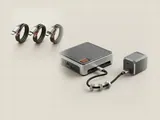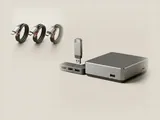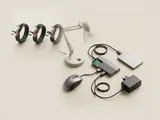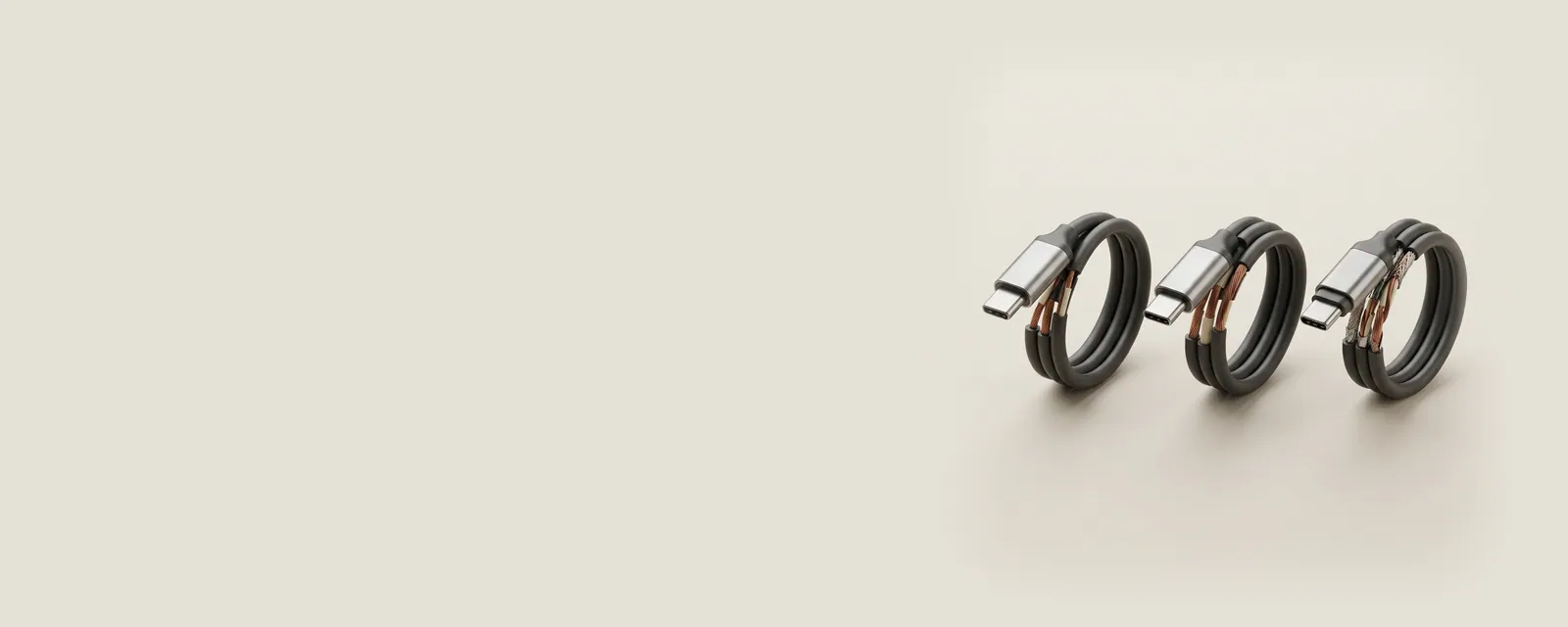
A USB cable's connectors describe how it physically fits, but its construction determines which signaling and power arrangements it supports. Similar-looking cables can therefore have different documented capabilities.
How the pieces connect
Data operation depends on the conductors and signaling characteristics needed by the relevant mode. Power handling depends on additional requirements, including the design and supported negotiation. Some functions use alternate arrangements supported by the host and accessory. The usable connection is limited by the intersection of those capabilities across the complete path.
An everyday example
A cable may charge a device successfully while providing only a more limited data path than another cable with the same connector shape. Conversely, a data connection can be present without supplying the highest charging level advertised by either endpoint. Charging and data observations answer different questions about the cable and its partners.
Reading the information in context
Read the manufacturer's capability labels and the documented requirements of the intended use. A connection fitting mechanically is not enough to verify a high-bandwidth display mode or a particular power level. The site does not identify a cable from a photograph or recommend undocumented electrical arrangements. Its purpose is to make the distinctions clear before comparing manufacturer documentation.
USB & Peripherals
Note these before you change anything
Useful facts to have to hand while reading about usb cable capabilities and labels.
- Which port the device was in, and whether a hub is involved
- The device's name and status in Device Manager
- Power management settings on USB root hubs
- Any companion software the device relies on
USB & Peripherals: Input from a device (output devices run the other way)
- Devicekeyboard, mouse or pad
- Port or hubphysical connection
- Host controllermanages the bus
- Class driverfor example HID
- Applicationreceives the input