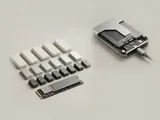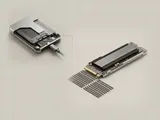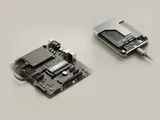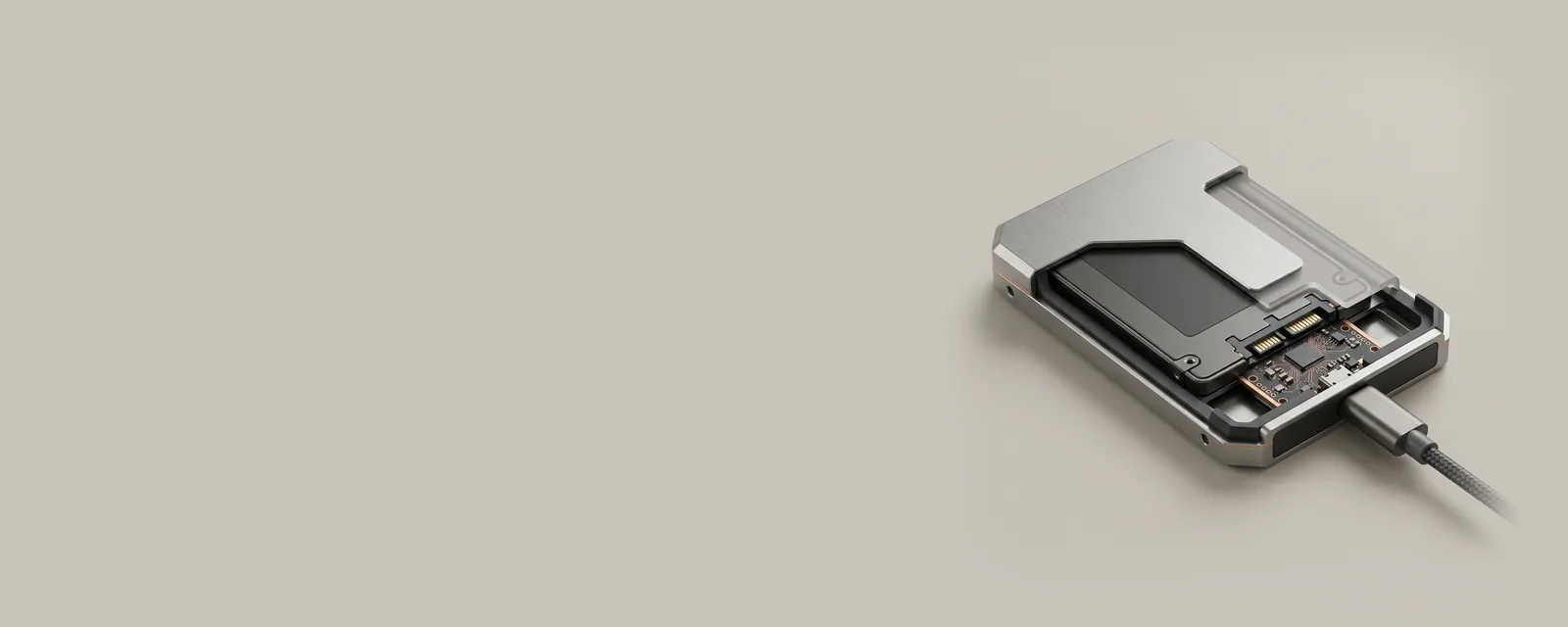
An external enclosure can contain a bridge that translates between the computer-facing transport and the storage device inside. The bridge is an active part of the communication path, not just a passive change of connector shape.
How the pieces connect
The host sends commands through an exposed interface, and bridge firmware maps them onto the underlying storage protocol. Supported commands, power behavior, and identification reporting depend on that implementation. Information tools may therefore show the enclosure's identity or a translated description rather than every detail of the internal drive.
An everyday example
Moving the same storage device between an internal slot and an external enclosure can change which identifiers and capabilities the operating system sees. The persistent medium has not necessarily changed, but the path to it has. A cable, enclosure controller, and power arrangement can also constrain the usable transfer rate.
Reading the information in context
Do not assume that every diagnostic or maintenance command supported internally remains available through every bridge. Nor does a shared connector guarantee identical behavior among enclosures. Consult the relevant enclosure and device documentation before interpreting missing information. The library offers no firmware-flashing or data-recovery service and does not ask readers to upload the contents of their storage.
Storage
Note these before you change anything
Useful facts to have to hand while reading about storage bridges inside enclosures.
- A current backup before any change
- Controller mode in firmware: AHCI, RAID or NVMe
- Storage controller driver name and version
- Drive health shown by the maker's own diagnostics
Storage: Reading and writing data
- File systemfiles and folders
- Storage stackvolumes and partitions
- Controller driverNVMe, AHCI or RAID
- Controlleron the board or a card
- DriveSSD or HDD