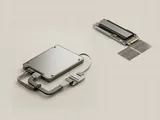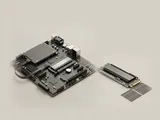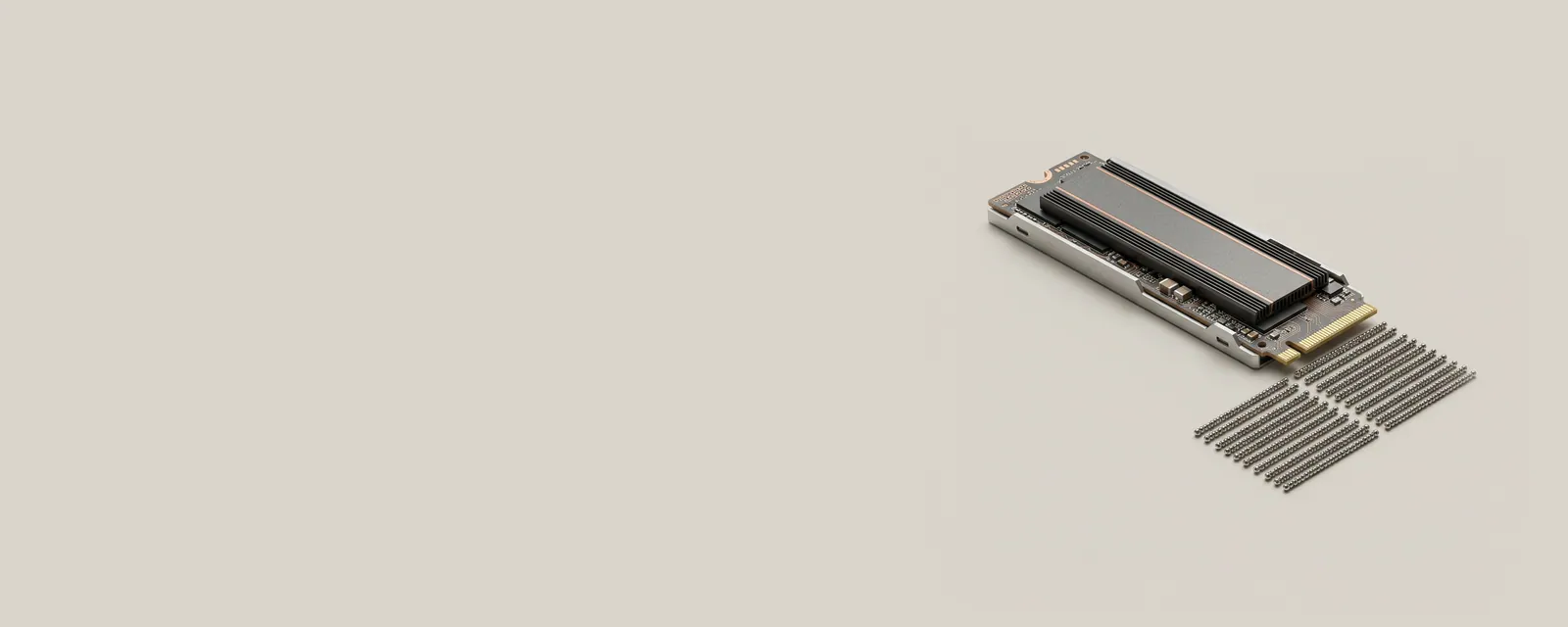
NVMe is a host interface and command set designed for nonvolatile memory devices. It defines how work is submitted and completed; it is not simply a synonym for every small solid-state module.
How the pieces connect
The interface uses queues to organize outstanding commands and completion information. A controller interprets those commands and manages the underlying medium. The path commonly uses PCI Express, although the broader protocol family includes other arrangements. Queue capabilities help organize concurrency, but actual results still depend on workload, implementation, and the rest of the system.
An everyday example
A system can expose an NVMe controller and one or more logical storage namespaces beneath it. A file browser then shows volumes built on top of the resulting storage, which is another layer again. The names and counts at each view describe different abstractions rather than conflicting reports of one identical object.
Reading the information in context
NVMe does not specify that every product has the same sustained speed, endurance, or power behavior. Module shape and capacity alone also do not establish the complete interface. Use the manufacturer documentation and system specifications when comparing compatible arrangements. This reference does not recommend controller-mode changes, namespace operations, or other commands that could alter the availability of existing data.
Storage
Note these before you change anything
Useful facts to have to hand while reading about nvme and command queues.
- A current backup before any change
- Controller mode in firmware: AHCI, RAID or NVMe
- Storage controller driver name and version
- Drive health shown by the maker's own diagnostics
Storage: Reading and writing data
- File systemfiles and folders
- Storage stackvolumes and partitions
- Controller driverNVMe, AHCI or RAID
- Controlleron the board or a card
- DriveSSD or HDD