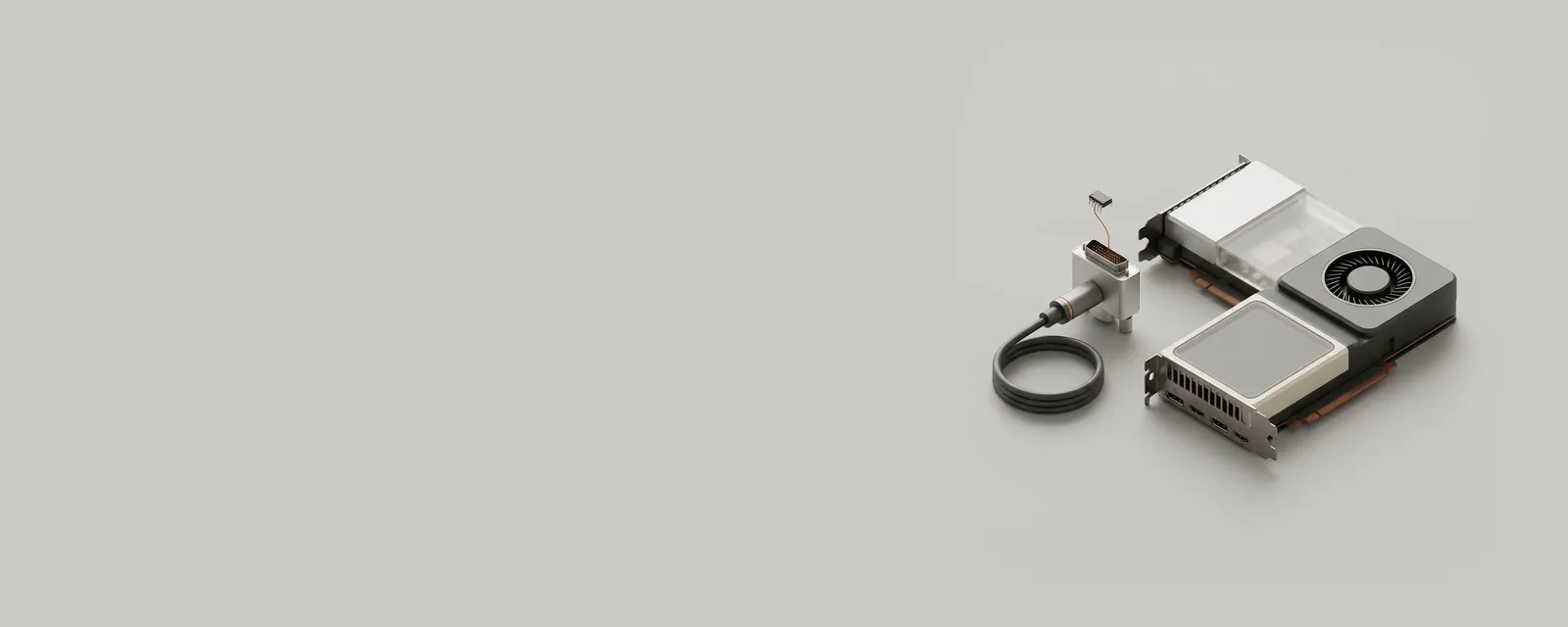
Extended Display Identification Data, or EDID, is information a display can provide about itself and its supported signal modes. It helps a source choose sensible options without requiring the user to manually describe the monitor.
How the pieces connect
The reported data can include identification, timings, and other capability information, with extensions supplying additional details. The operating system interprets this information together with the source's own limits. Adapters, receivers, and docks can participate in the communication path, so the capabilities visible to the computer may reflect more than the panel alone.
An everyday example
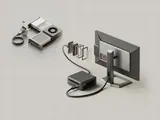
A monitor connected directly and the same monitor connected through another device can present different available modes. The intermediary may limit the link or influence the information the source receives. That difference does not necessarily mean the monitor's physical specifications changed; it can describe a different end-to-end connection arrangement.
Reading the information in context
Reported identification is descriptive data, not proof of manufacturer affiliation or a guarantee of every advertised feature. A familiar product name also does not establish a particular cable's capability. For signal combinations that utilize device assistance, compare the reference documentation for the source, intermediary equipment, and display. This reference does not provide EDID overrides or encourage operating a panel outside its documented limits.
Display & Graphics
Note these before you change anything
Useful facts to have to hand while reading about edid and reported display capabilities.
- Current driver version and date from the adapter's Driver tab
- Resolution, refresh rate and scaling for each monitor
- Which port and cable each display uses
- Any per-application graphics settings you changed
Display & Graphics: Drawing a frame (output)
- Applicationrequests drawing
- Graphics APIfor example DirectX or Vulkan
- Display driveruser and kernel parts
- GPUrenders the frame
- Monitorover the display cable