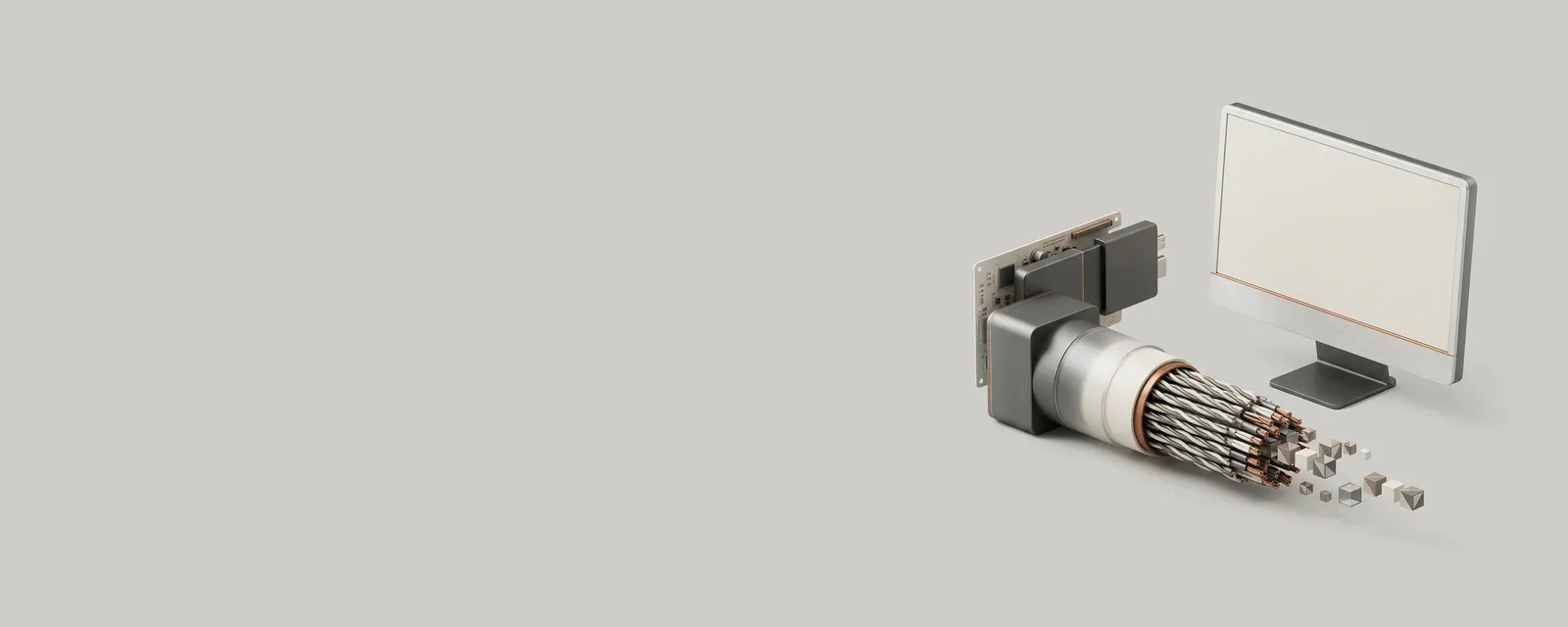
A display connection has a finite capacity for carrying image and related data. The usable mode depends on the complete route rather than only on the connector shape or one device's advertised maximum.
How the pieces connect
Pixel count, refresh timing, and signal representation influence the amount of data required. Encoding overhead and supported compression can also affect which arrangements fit within a link's capabilities. A dock or adapter may share resources with other functions or impose its own limits. Several individually capable components can therefore form a more constrained combined path.
An everyday example
A computer output connected through a dock to two monitors may offer different combinations from a direct connection to one monitor. The total allocation and routing changed. Similarly, a cable that physically fits can have capabilities below those needed for a particular high-resolution, high-refresh, high-precision signal combination.
Reading the information in context
A single maximum-resolution claim often assumes a specific refresh rate and signal format. Read the conditions alongside the headline number. There is no universal inference from connector appearance to bandwidth. For a supported arrangement, consult the specifications for all participating equipment rather than relying on a general reference to certify a particular cable or adapter.
Display & Graphics
Note these before you change anything
Useful facts to have to hand while reading about bandwidth across a display connection.
- Current driver version and date from the adapter's Driver tab
- Resolution, refresh rate and scaling for each monitor
- Which port and cable each display uses
- Any per-application graphics settings you changed
Display & Graphics: Drawing a frame (output)
- Applicationrequests drawing
- Graphics APIfor example DirectX or Vulkan
- Display driveruser and kernel parts
- GPUrenders the frame
- Monitorover the display cable