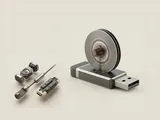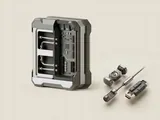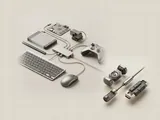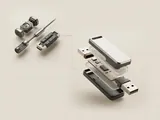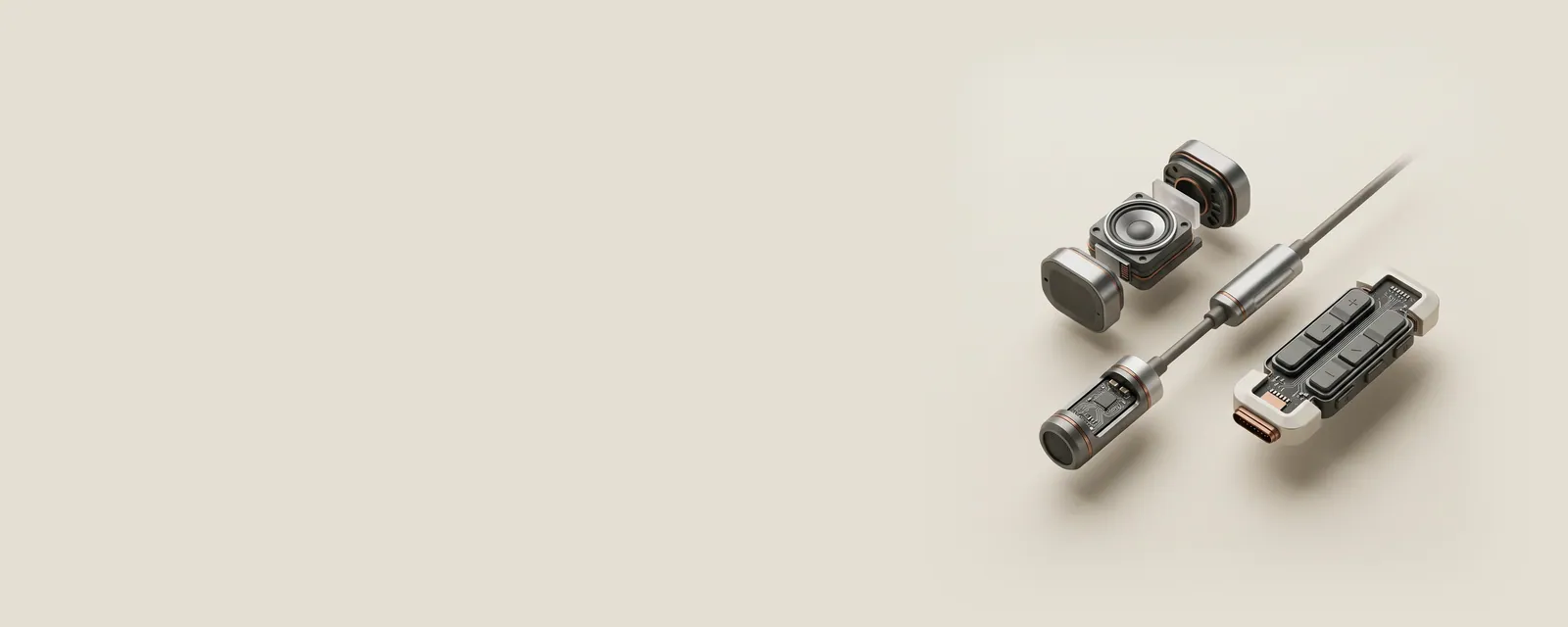
A composite USB device exposes more than one function through a single device connection. The operating system can manage those functions separately while preserving their relationship to the same parent accessory.
How the pieces connect
Descriptors group the interfaces that make up each function, and the host associates appropriate software with them. The arrangement differs from simply placing several independent devices behind an internal hub, although both designs can create a complex-looking inventory. The distinction concerns the reported topology and function boundaries, not the number of boxes on a desk.
An everyday example
A multifunction imaging accessory can provide printing and scanning interfaces through one cable. Another product might add storage or input controls. Seeing several categories populated after connecting it can therefore be the expected description of its advertised capabilities, rather than evidence that unrelated packages were installed by mistake.
Reading the information in context
Each function can have its own compatibility and application requirements. One interface being usable does not prove that every other interface is available through the current configuration. Do not remove unfamiliar entries solely because they appeared together. Read their relationship and consult the maker's documented functions before interpreting how the single physical product is represented in software.
USB & Peripherals
Note these before you change anything
Useful facts to have to hand while reading about composite usb devices.
- Which port the device was in, and whether a hub is involved
- The device's name and status in Device Manager
- Power management settings on USB root hubs
- Any companion software the device relies on
USB & Peripherals: Input from a device (output devices run the other way)
- Devicekeyboard, mouse or pad
- Port or hubphysical connection
- Host controllermanages the bus
- Class driverfor example HID
- Applicationreceives the input