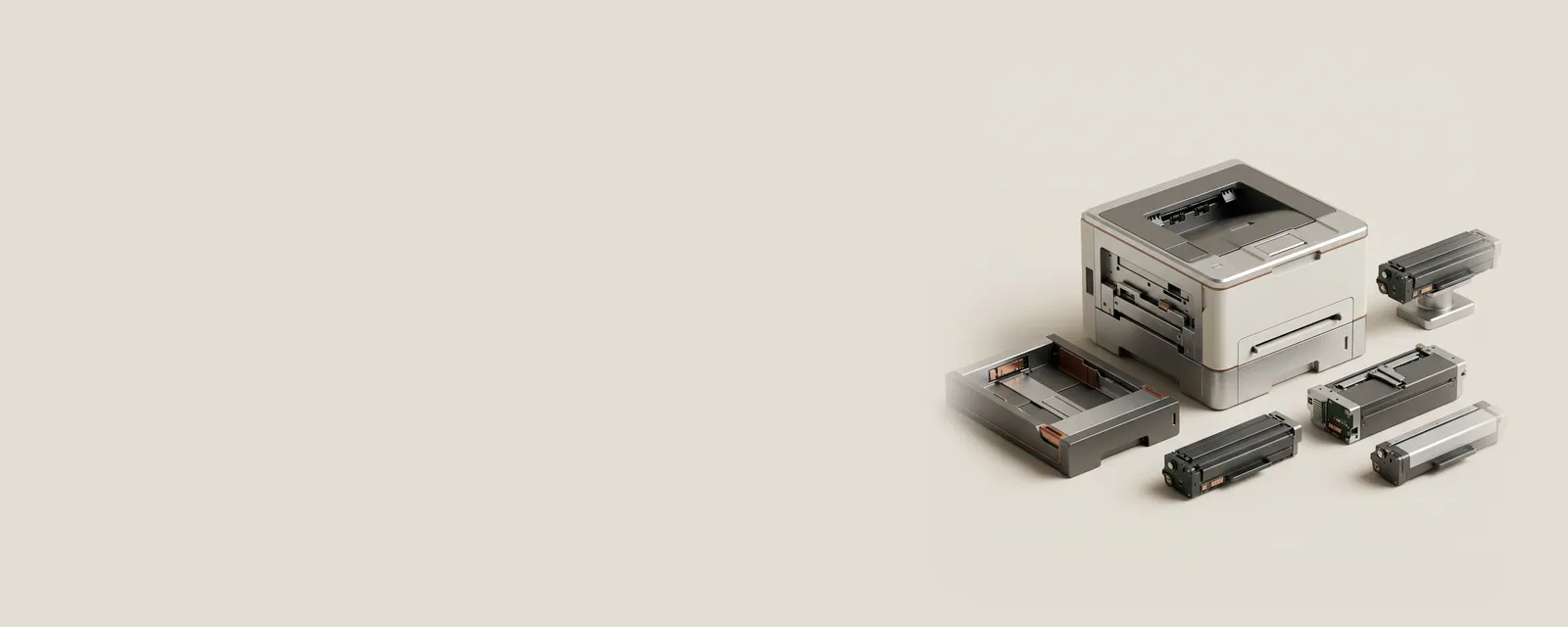
Printer capabilities describe what a destination can do, while defaults describe which choices a queue initially selects. Confusing these two layers can make an ordinary settings difference look like a hardware limitation.
How the pieces connect
A capability can include supported paper sizes, duplex modes, color options, or installed accessories. The operating system obtains that information from the relevant print components and, in some architectures, from the device itself. A default is a selected value within that available set. Applications can also submit per-document choices that override a queue's usual settings.
An everyday example
Two queues pointing to the same physical machine can open with different paper or color selections. A document prepared in one application can retain its own page setup when sent through either queue. The result reflects several scopes of configuration: document, application, queue, and device. A difference between them is not automatically evidence of a different software version.
Reading the information in context
An option being shown does not prove that an optional tray or finishing unit is physically installed. Equally, a standard print interface may not expose every specialized feature. Compare the actual accessory configuration with the model's reference capability list. The purpose of inspecting defaults is to understand the chosen configuration, not to infer that every listed setting is appropriate for every job.
Printers & Scanners
Note these before you change anything
Useful facts to have to hand while reading about printer capabilities and defaults.
- Printer queue name and the port it uses
- Driver name: a built-in class driver or the maker's
- Whether the printer is reached by USB, IP address or name
- Default paper size and tray
Printers & Scanners: One common printing path (scanning runs the other way)
- Applicationsends a print job
- Print systemqueues and renders
- Printer driverbuilt-in class or vendor
- ConnectionUSB or network
- Printerproduces the page