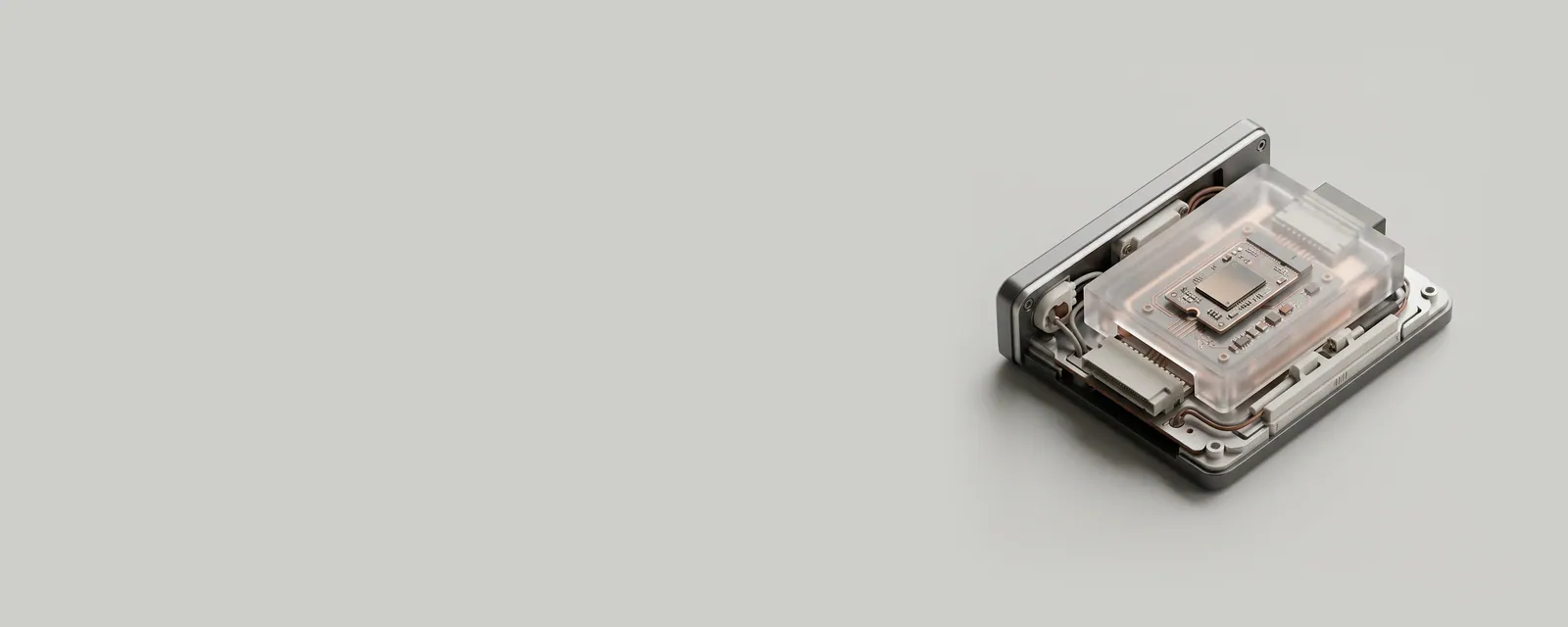
Firmware is software permanently stored on a hardware device and executed by that device's own processor. It governs the device's internal behaviour before and independently of any driver running in the operating system.
In practice
A solid-state drive's firmware decides where data physically lands, spreads wear across memory cells and corrects errors. A keyboard's firmware scans keys and reports presses. The computer's own system firmware, commonly UEFI, prepares the hardware at power-on and then starts Windows.
Common confusion
Firmware and drivers are often updated together, which blurs them. The difference is location: firmware lives on the device and survives being moved to another computer, while a driver lives in the operating system. Changing one does not automatically change the other, and an update to either may be needed for a given fix.
Why it matters to readers
Firmware updates can be more delicate than driver changes, since interruption may leave a device unable to start. Reference instructions usually specify power conditions. Reading which component a release note concerns prevents expecting a driver to fix a firmware-level behaviour.
A closer look
Device Manager can show a Firmware category on some computers, listing system firmware as if it were a device. Windows Update can deliver capsule packages for those entries, which the computer applies during the next restart. Such updates usually display a progress screen and must not be interrupted. Not every computer maker uses this route; some provide their own tools instead.