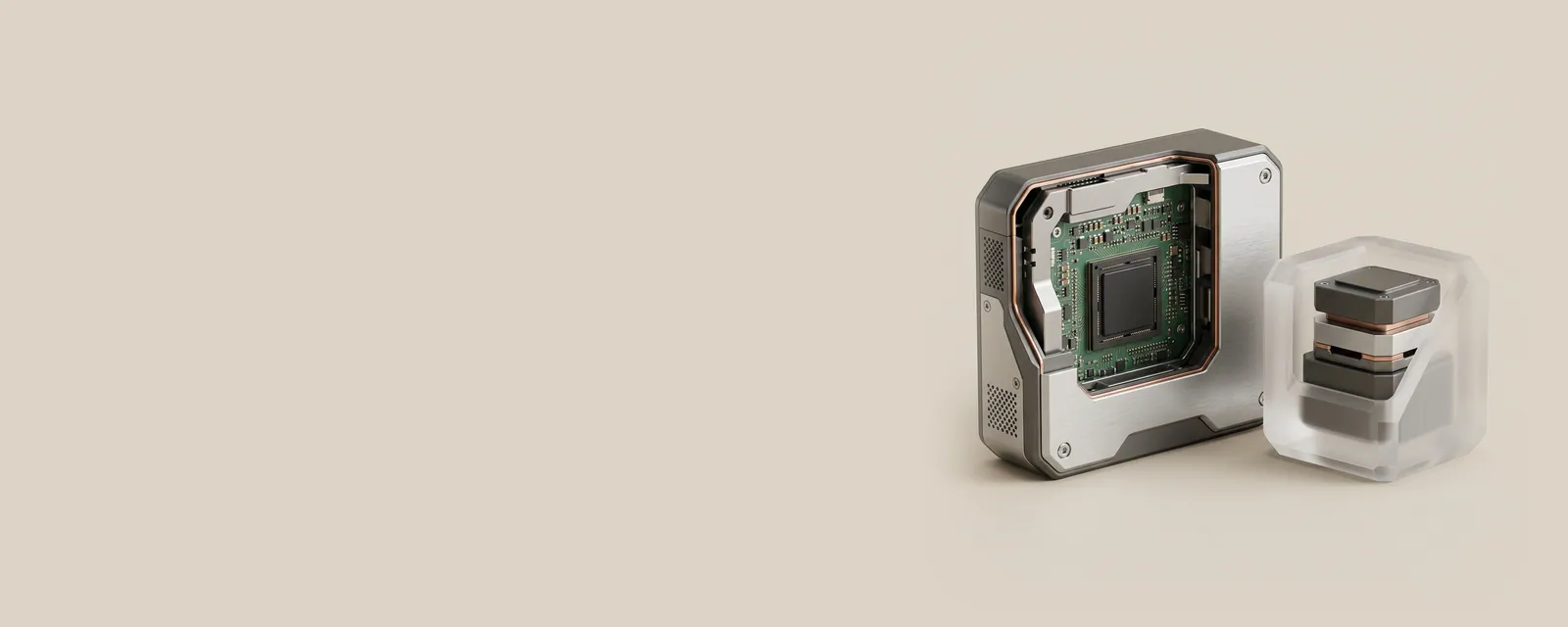
Firmware lives on the device and runs there; drivers live in the operating system and run on the computer's processor. Mixing up the two leads to confusing pages for device assistance, so this article separates their roles clearly.
Where each one runs
Firmware is software stored in a device's own memory chip and executed by the device's own small processor. A solid-state drive's firmware manages wear and error correction; a printer's firmware interprets incoming jobs and drives the motors. Drivers, meanwhile, run inside Windows and talk to that firmware through a defined interface.
You can replace a driver without touching the device's firmware, and vice versa.
Why both get updated
Firmware updates change the device's own behaviour: fixing a timing issue in a drive, adding a codec to a dock, adjusting fan curves in a laptop's embedded controller. Driver updates change how Windows communicates with the device and what features it exposes to applications.
A release note that mentions stability on wake might refer to either, which is why notes usually state clearly which component they concern.
System firmware
The computer itself has firmware too, often called UEFI and historically BIOS. It initialises hardware at power-on and hands control to Windows. Some system firmware updates are delivered through Windows Update as special firmware packages and appear in Device Manager under a Firmware category.
System firmware updates carry more risk than driver changes, because interruption during the process can leave a device unable to start. Makers' instructions for them are usually explicit about power and battery conditions.
Telling them apart on a page for device assistance
Driver files on reference sites usually mention operating system versions and architectures, because drivers depend on them. Firmware entries usually mention the device model and a firmware revision, and sometimes require a device-specific tool. If an entry names no operating system at all, it is likely firmware.
Device Manager's Driver tab shows driver information only; firmware revision, where reported, typically appears in the Details tab property list or in the maker's own utility.
A useful mental model
Think of firmware as the device's own native habits and the driver as the interpreter Windows hires to talk to it. A better interpreter cannot fix a device's habits, and new habits may require an interpreter who knows them. Keeping the distinction clear prevents chasing a driver change for a problem only firmware can address.
Where the two meet
Some devices load part of their firmware from the driver at startup rather than storing it permanently. Certain wireless adapters and audio chips work this way: the driver package contains a firmware image that is sent to the device each time it initialises. In these cases, updating the driver also changes the firmware the device runs, without writing anything permanent to the device.
This hybrid arrangement is why a few release notes for drivers mention firmware fixes. Reading the notes carefully reveals whether the change is permanent or loaded each session.