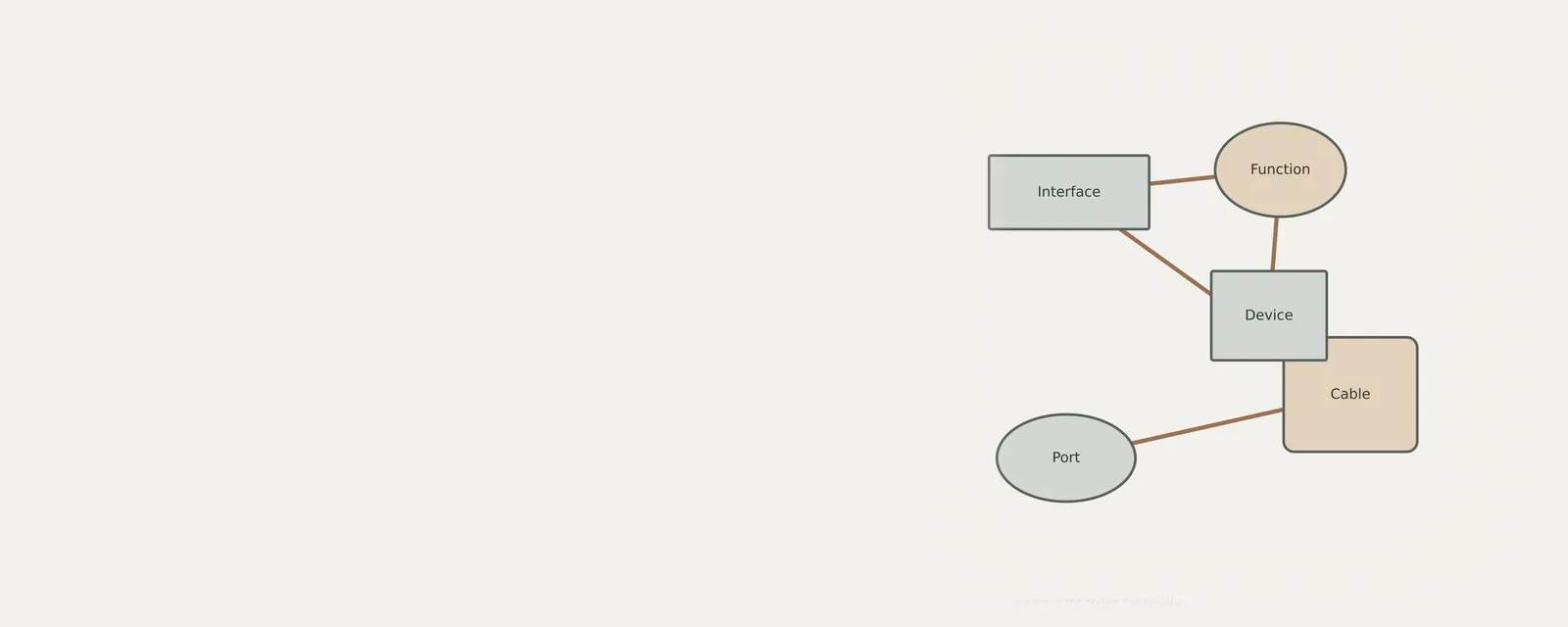
Interpreting hardware error codes requires looking beyond simple definitions to understand the specific state of your connected peripherals. When a device stops responding, the management console provides status notifications that indicate a communication breakdown rather than a complete hardware failure. By systematically reviewing these status messages, you can identify if the issue stems from a logic conflict, missing software components, or a simple physical connection error. This process focuses on logical verification and state assessment for connected external hardware components.
Why status codes indicate communication gaps
Status codes provide a snapshot of the interface between the operating system and the hardware. When an error appears, it signifies that the handshake protocol required to initialize the peripheral has been interrupted, resulting in a failure to establish a stable data path.
Observers often mistake these messages for permanent hardware breakage. However, these status identifiers typically highlight that the operating system has detected a device but cannot interpret the incoming signals, suggesting the issue is likely tied to the communication layer rather than the physical hardware itself.
How to inspect device status history
When a peripheral exhibits errors, evaluating the events tab provides a chronological record of what the system attempted before the failure occurred. This log helps determine if a recent configuration change or connection attempt triggered the reported status code.
Reviewing these entries allows you to distinguish between an isolated incident and recurring logic failures. Often, the system log reveals that the device was functioning normally moments before an unexpected disconnect or a failed signal acknowledgment, pointing toward an intermittent connection.
- Open the hardware management console by right-clicking the start button
- Locate the specific peripheral category in the list and expand it
- Right-click the name of the troubled device to open properties
- Select the Events tab to display the recent message history
- Read the information section for specific timestamped error descriptions
Addressing Code 10 and Code 43 logic issues
Code 10 and Code 43 often manifest when the system receives a malformed signal or an unexpected response from the hardware. These codes signal that the device driver attempted to start or maintain a connection but the hardware controller rejected the request.
Physical instability often leads to these errors. Ensuring the cable is secure or testing the peripheral in a different port helps determine if the voltage or data lines on the primary port are failing to provide enough power to maintain a steady handshake.
Resolving missing components with Code 28 and Code 31
Code 28 and Code 31 indicate that the operating system lacks the specific instructions required to operate the hardware or that the necessary files are corrupted. This occurs when the hardware identification string does not match any known configuration files currently present.
Without the correct interface definitions, the operating system treats the device as an unknown entity. This state is common when a peripheral is used for the first time or after a major operating system change that might have deprecated older communication protocols.
Verifying physical and power connections
Before making software changes, checking physical connectivity is essential. Many errors arise because a device is partially connected, leading to signal noise that prevents the hardware from successfully completing the power-on self-test required for active status.
Disconnecting the device, waiting for the system to purge the associated state, and reconnecting it to a different port forces the operating system to re-enumerate the hardware. This action often clears transient status errors that persist due to an hung logic process.
USB & Peripherals
Note these before you change anything
Useful facts to have to hand while reading about interpreting device error codes cautiously.
- Which port the device was in, and whether a hub is involved
- The device's name and status in Device Manager
- Power management settings on USB root hubs
- Any companion software the device relies on
Frequently asked questions
What does a Code 10 error mean?
A Code 10 error indicates that the hardware device could not start. This usually occurs when the system fails to receive a successful response from the peripheral, meaning it could not complete the initial handshake or the controller encountered a timeout while waiting for hardware signals.
Can I ignore a Code 43 warning?
Ignoring a Code 43 is not recommended because it signifies the device has reported an unidentified problem to the operating system. While the device may still be visible, the communication pathway is effectively severed, preventing any meaningful interaction or data exchange between the peripheral and the computer.
Does a status code always mean the hardware is broken?
No, a status code is not a definitive indicator of hardware damage. These codes describe the current state of communication between the OS and the device. Frequently, these errors arise from minor logic conflicts, connection instability, or missing configuration files rather than actual physical destruction of the hardware.
How do I clear persistent error codes?
Clear persistent errors by removing the peripheral, restarting the computer, and reconnecting the device to a different port. This process forces the system to re-identify the device and re-initialize its logic state, which often resolves temporary communication failures that have become stuck in the management console.