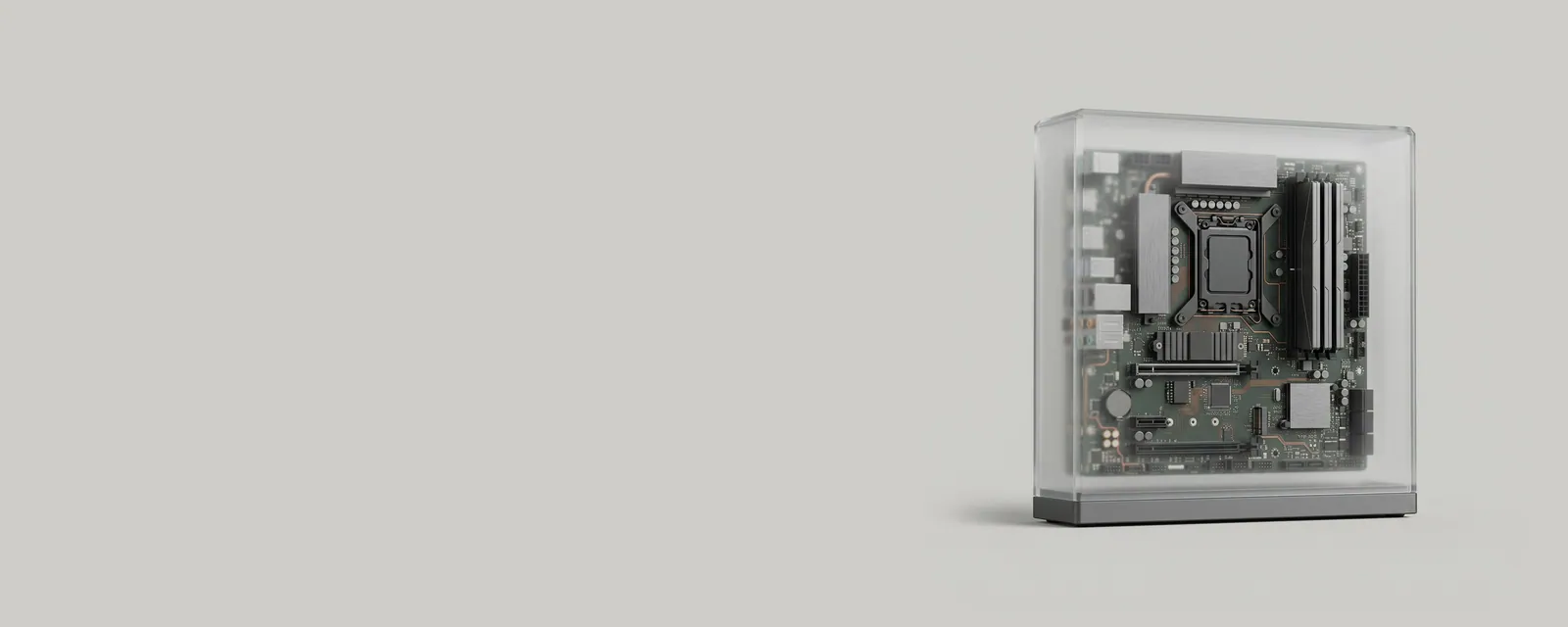
The operating system is the foundational software that manages a computer's processor, memory, storage and devices, and offers a consistent set of services so that applications never have to manage hardware directly.
In practice
Windows decides which program gets processor time, how memory is shared, which files each user can open and how devices are discovered. When a word processor saves a file, it asks Windows to write data; Windows then works through the storage driver stack so the document lands on whatever drive the computer contains.
Common confusion
People sometimes use operating system to mean the visible desktop and apps. The desktop shell is only one component; the deeper parts, including the kernel and driver framework, keep running whether or not anything is shown on screen. Edition and version are also distinct: Windows 11 Home and Pro share a version but differ in features.
Why it matters to readers
Drivers are built for particular operating system versions and architectures. Knowing exactly which Windows release and system type you run, found in Settings under About, is the first filter for any driver documentation you read.
A closer look
Operating systems also define the driver models that hardware makers write against. When Windows introduces a new model for audio, printing or graphics, makers gradually adopt it, and older packages written for an earlier model may keep working through compatibility layers or may stop being supported. That transition explains why some older peripherals behave differently after a major Windows upgrade.